Topics · Watching & reading
Follows & notifications
Messages
Ask the AI Manager
Watching & reading
Take a course
Courses can be free, for followers or for members, and your progress is saved.
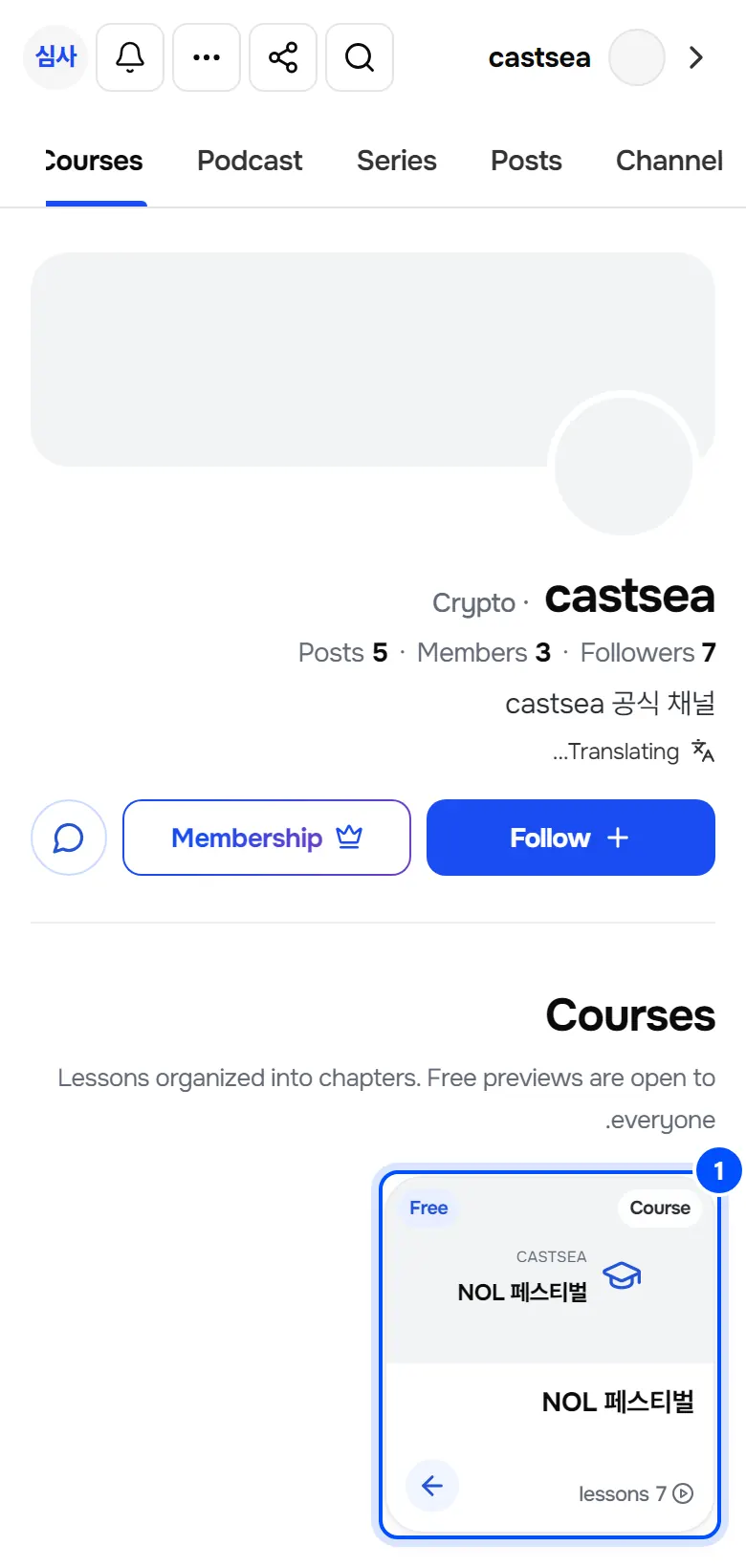
Open a course
Pick a course under Courses in the channel menu. The badge shows who it's for (free, followers, members, token holders), and free preview lessons can be watched first.
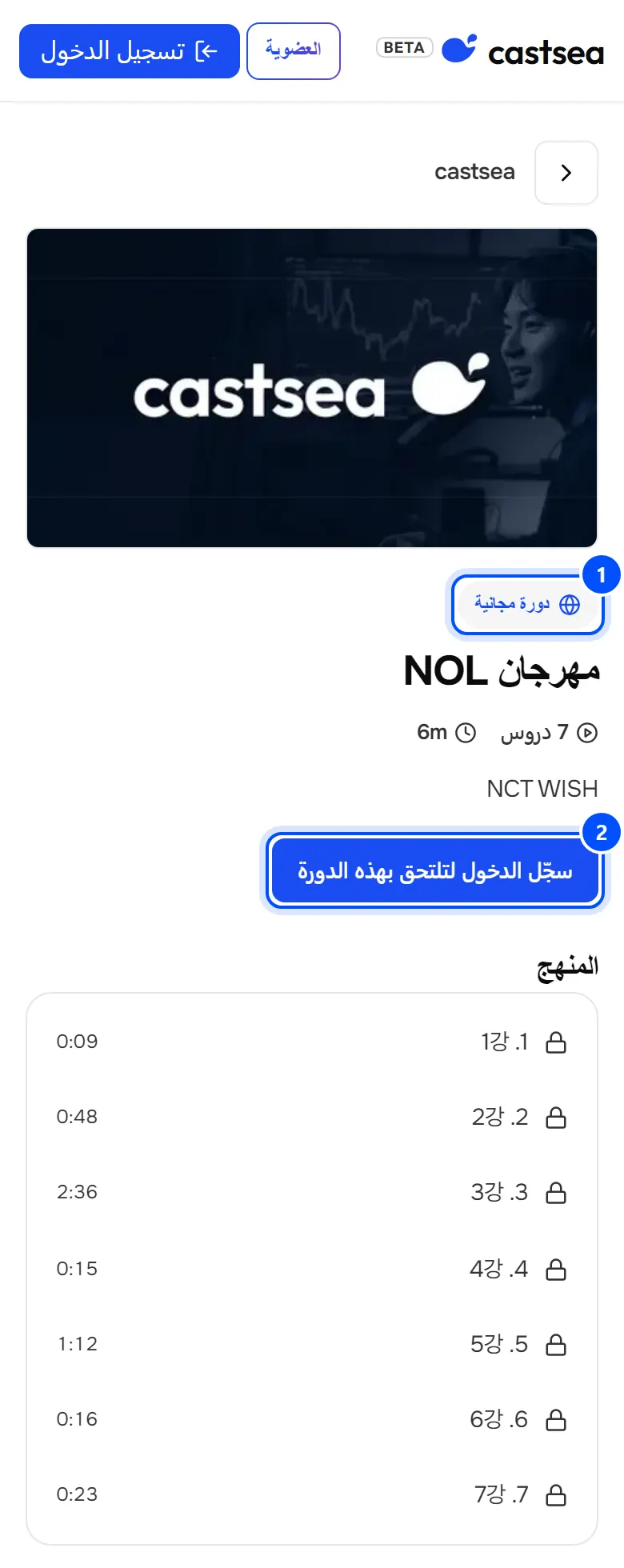
Watch lessons
Tap “Start course” to open the lesson view, with the lesson list and your progress. Mark lessons “Done” and move on with “Next lesson”.
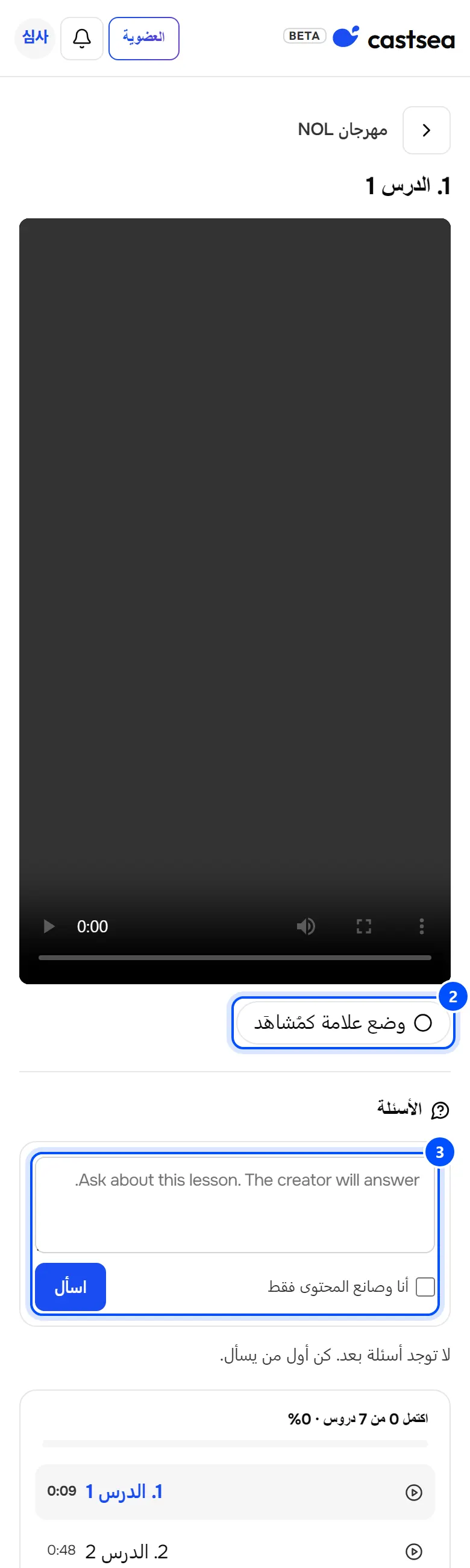
Ask about a lesson
Use “Ask a question” under a lesson to ask the creator. Turn on “Only me and the creator” to keep it private from other students.