Topics · Watching & reading
Follows & notifications
Messages
Ask the AI Manager
Watching & reading
Find your way around a channel
When you open a channel, the menu at the top becomes that channel's menu.
On this page
The channel menu
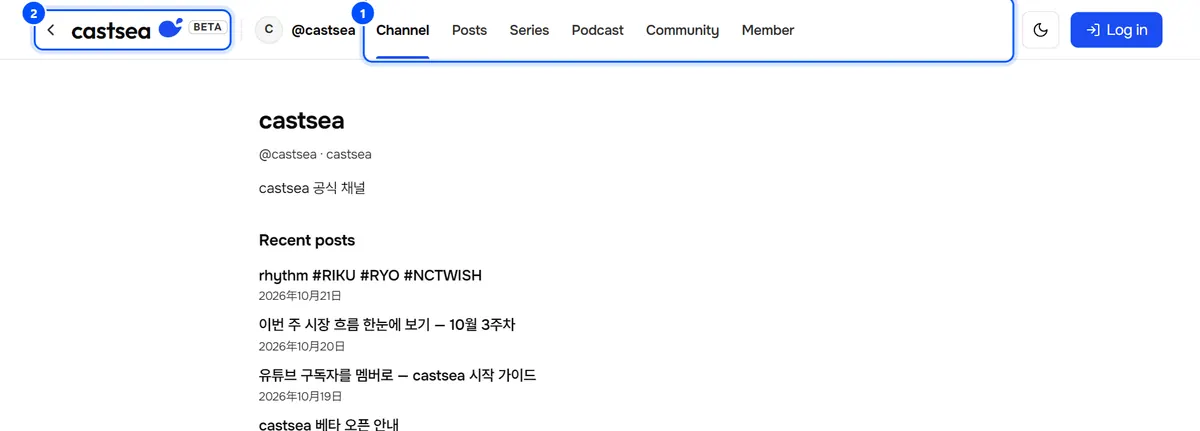
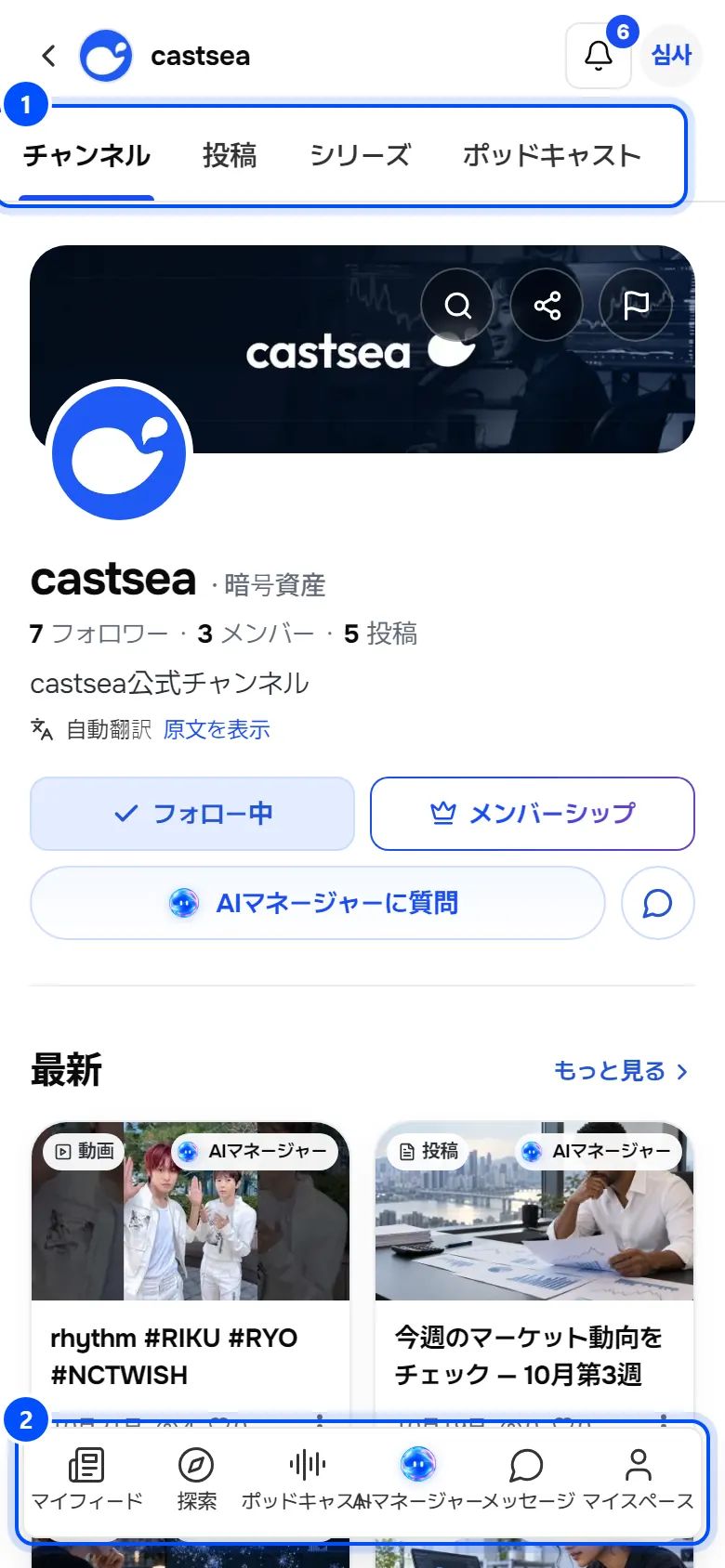
When you open a channel, the header at the top turns into the channel menu: Channel, Posts, Series, Podcasts, Community and Members (whichever the creator has turned on), plus Courses on channels with published courses. The menu you're on is underlined.
On a phone, the channel menu runs across just below the top bar (swipe sideways for more). The bottom menu stays castsea's main menu inside a channel — My feed, Explore, Podcasts, Messages, My and so on.
Leaving a channel
Tap ‹ or the castsea logo at the top left to go back to where you were before the channel (or to My feed if you came straight to the channel). My feed has a newspaper icon.
Channel buttons
Under the channel profile are the Follow and Membership buttons, with the Message icon (speech bubble) beside them.
Channels whose creator has made the AI Manager public also have an “Ask the AI Manager” button.
When creators view their own channel, they see Edit channel and Studio buttons there instead.