Topics · Sign up & log in
Follows & notifications
Messages
Ask the AI Manager
Sign up & log in
Sign up with email
All you need is an email, a nickname and a password — it takes about a minute.
On this page
In this article
- The four signup steps and required consents.
- How to pick interests and suggested creators after signing up.
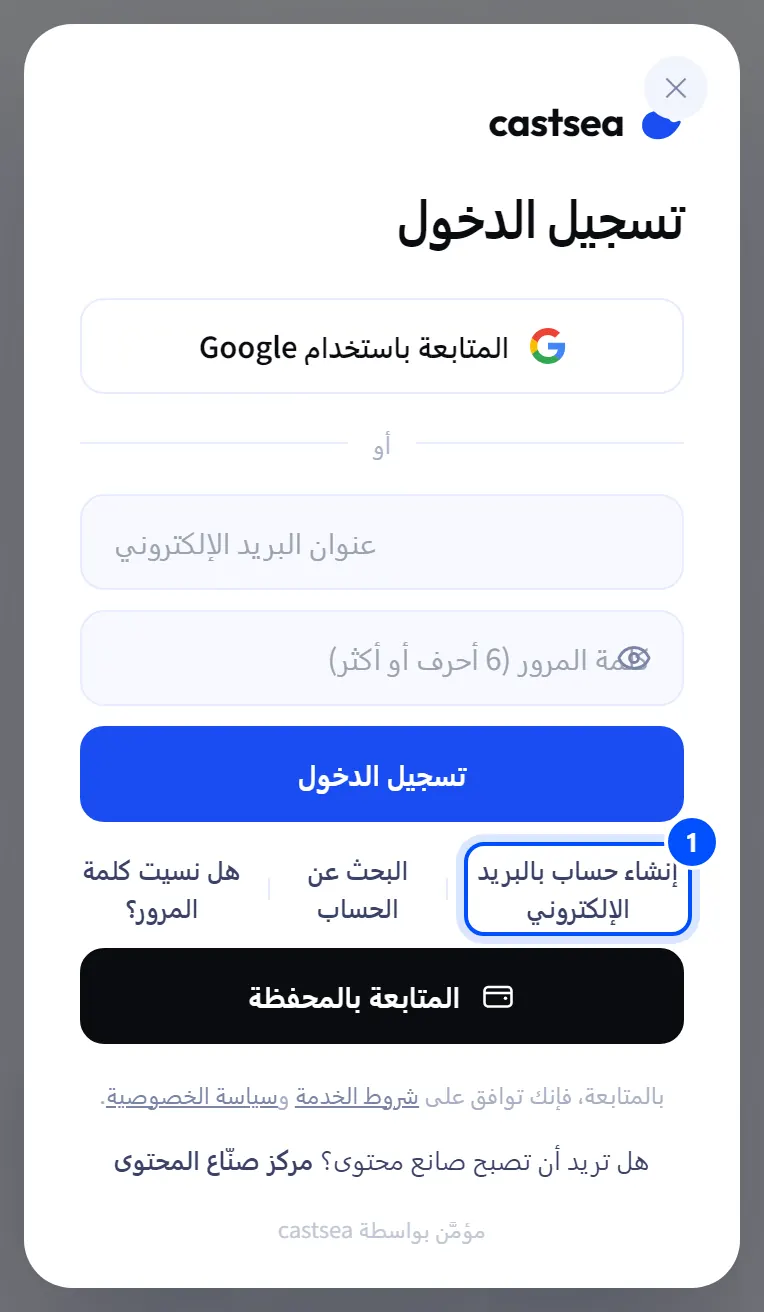
Tap “Sign up with email” in the login window
Tap Log in at the top right to open the login window, then tap “Sign up with email” near the bottom.
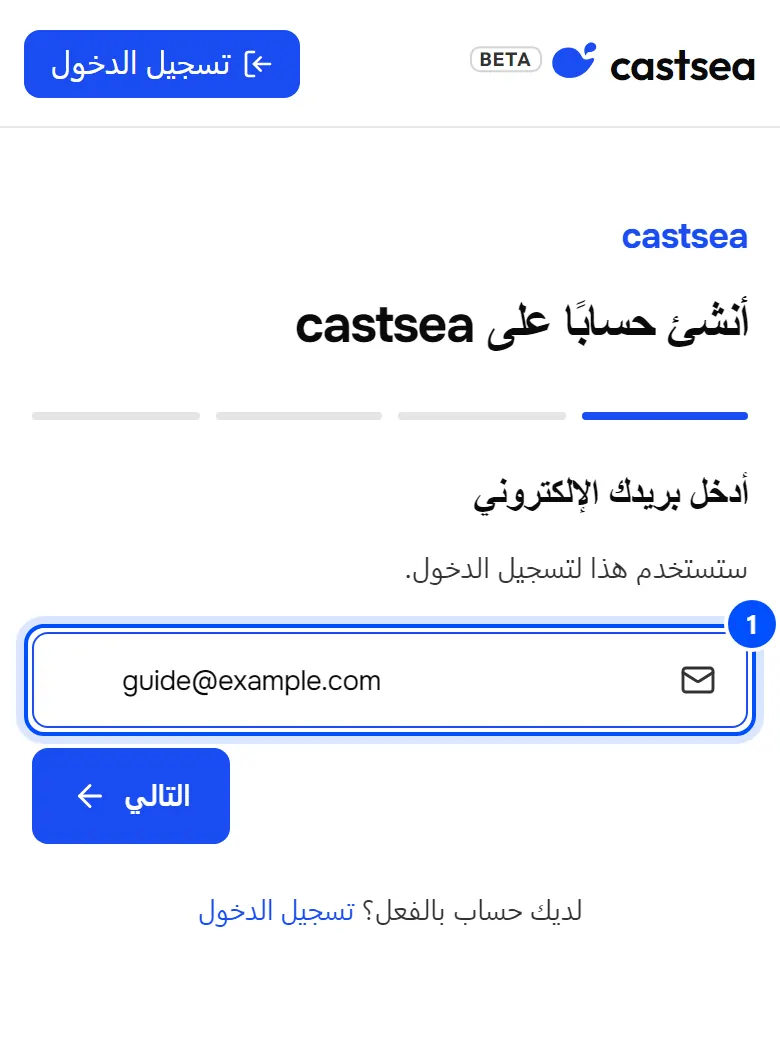
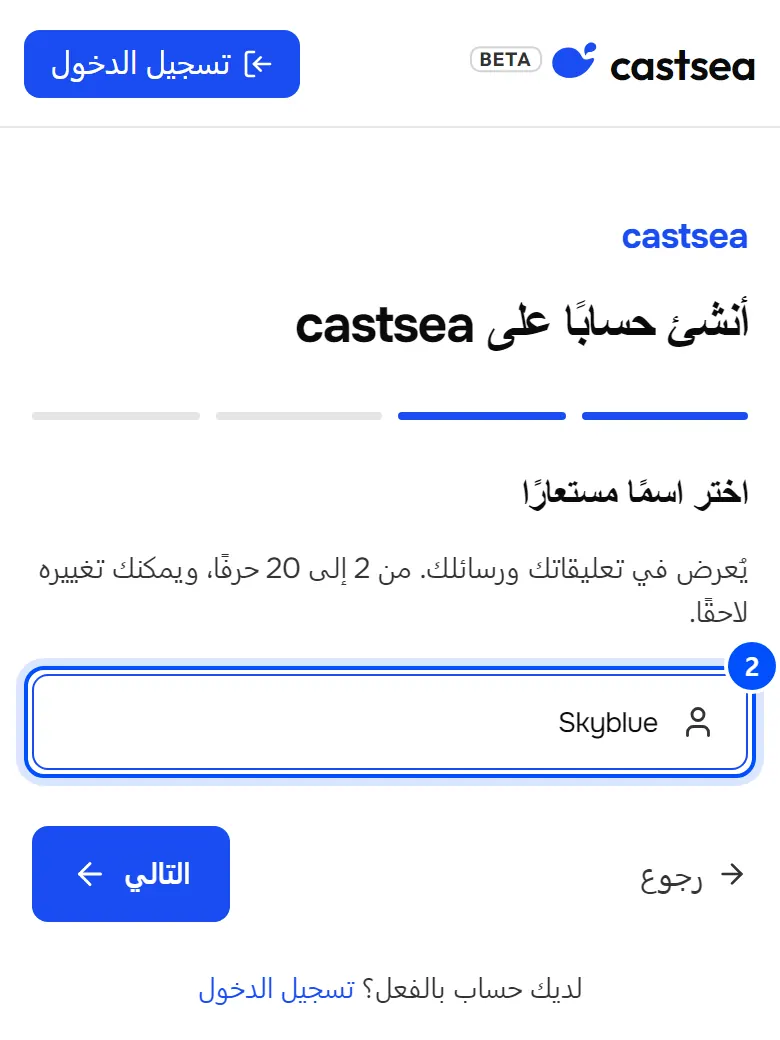
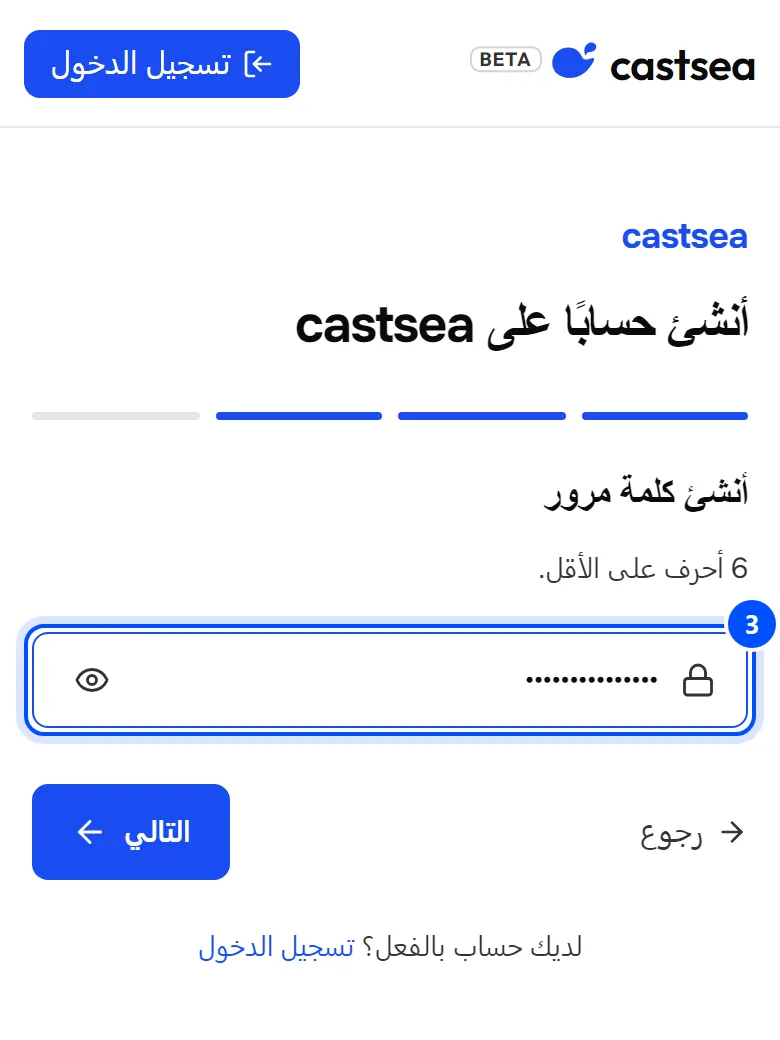
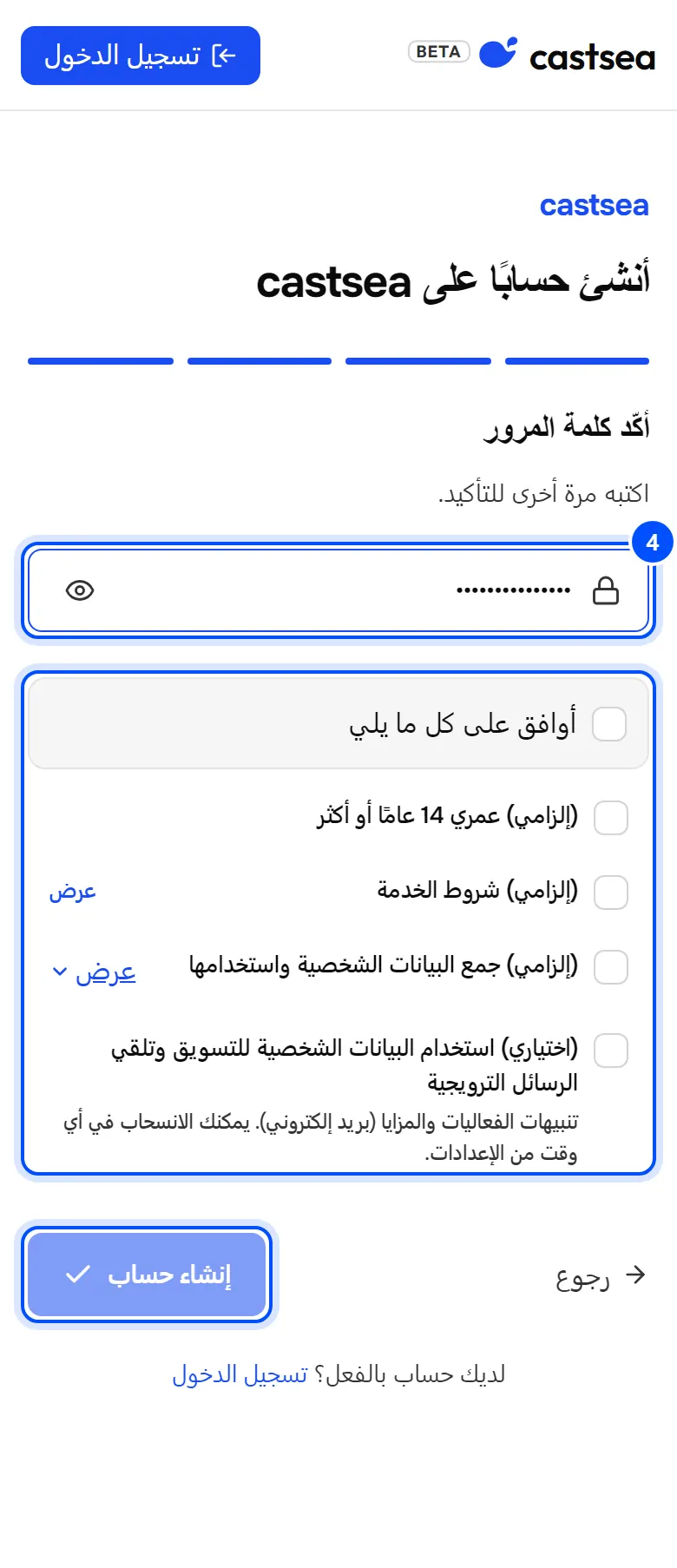
Enter your email, nickname and password
- Enter your email address.
- Choose a nickname: 2–20 characters, and not the same as the part of your email before @.
- Set a password of at least 6 characters.
- Confirm the password, check the consents and tap Sign up.
Required: confirming you are 14 or older, the Terms of Service, and collection and use of personal data. Marketing messages are optional.
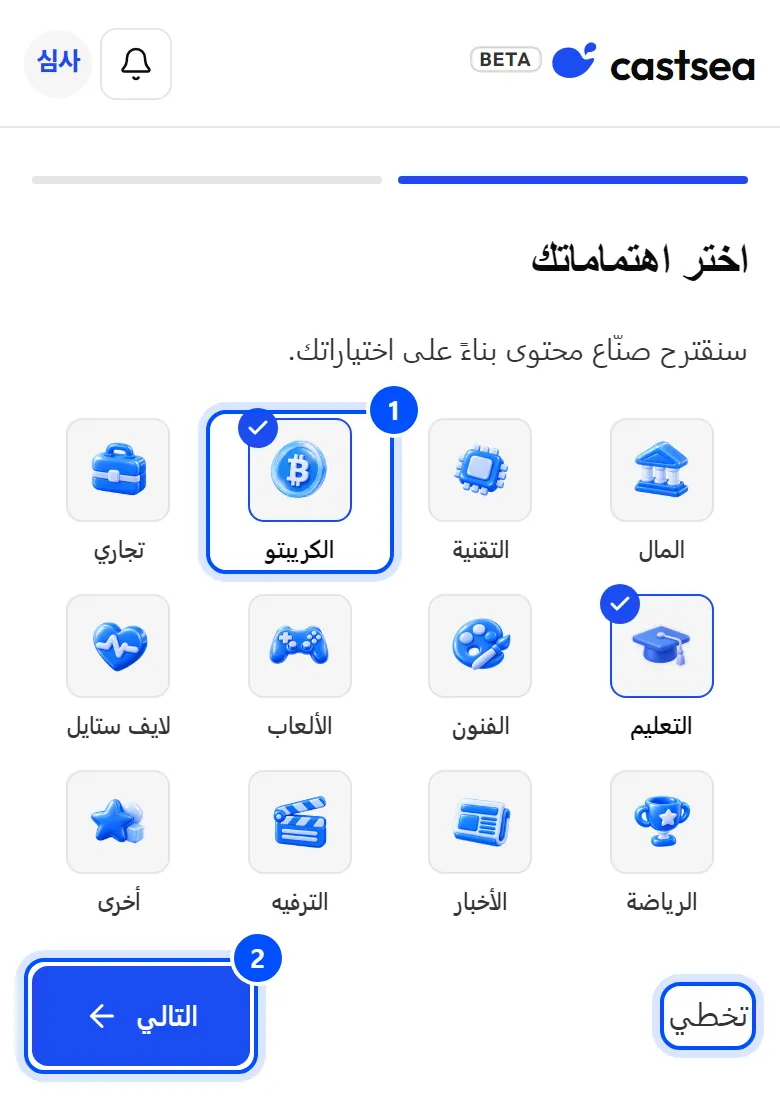
Pick your interests
After signing up you can pick interests and follow suggested creators right away — or skip and do it later.
Tip
Have a Google account? “Continue with Google” in the login window is even faster.