Topics · Follows & notifications
Follows & notifications
Messages
Ask the AI Manager
Follows & notifications
Check & set notifications
See new posts, messages and payment updates in one place, and choose what you get.
View notifications
When you're logged in, a bell appears at the top; the number is your unread count. Use “Mark all read” on the notifications page to clear them.
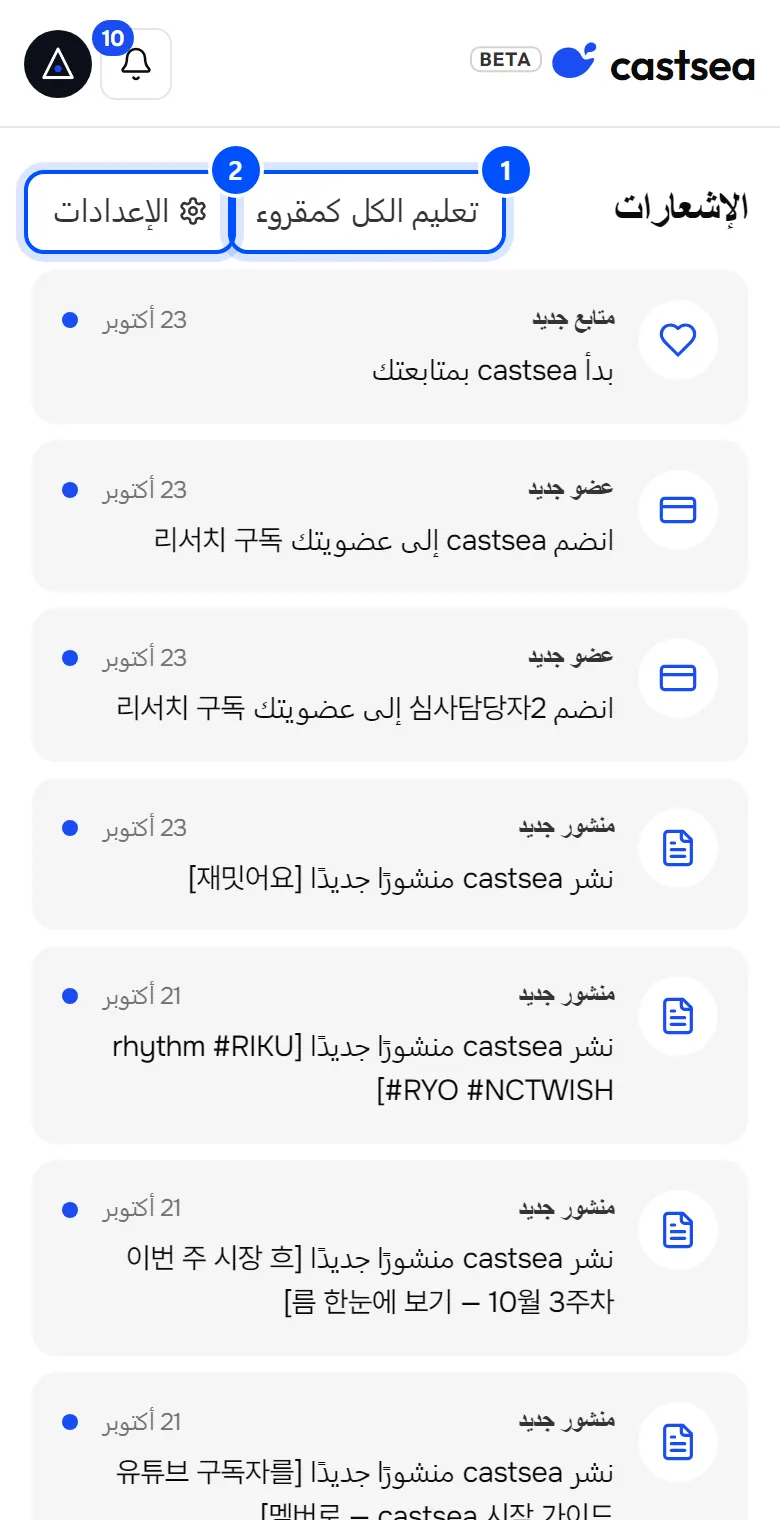
Choose what you get
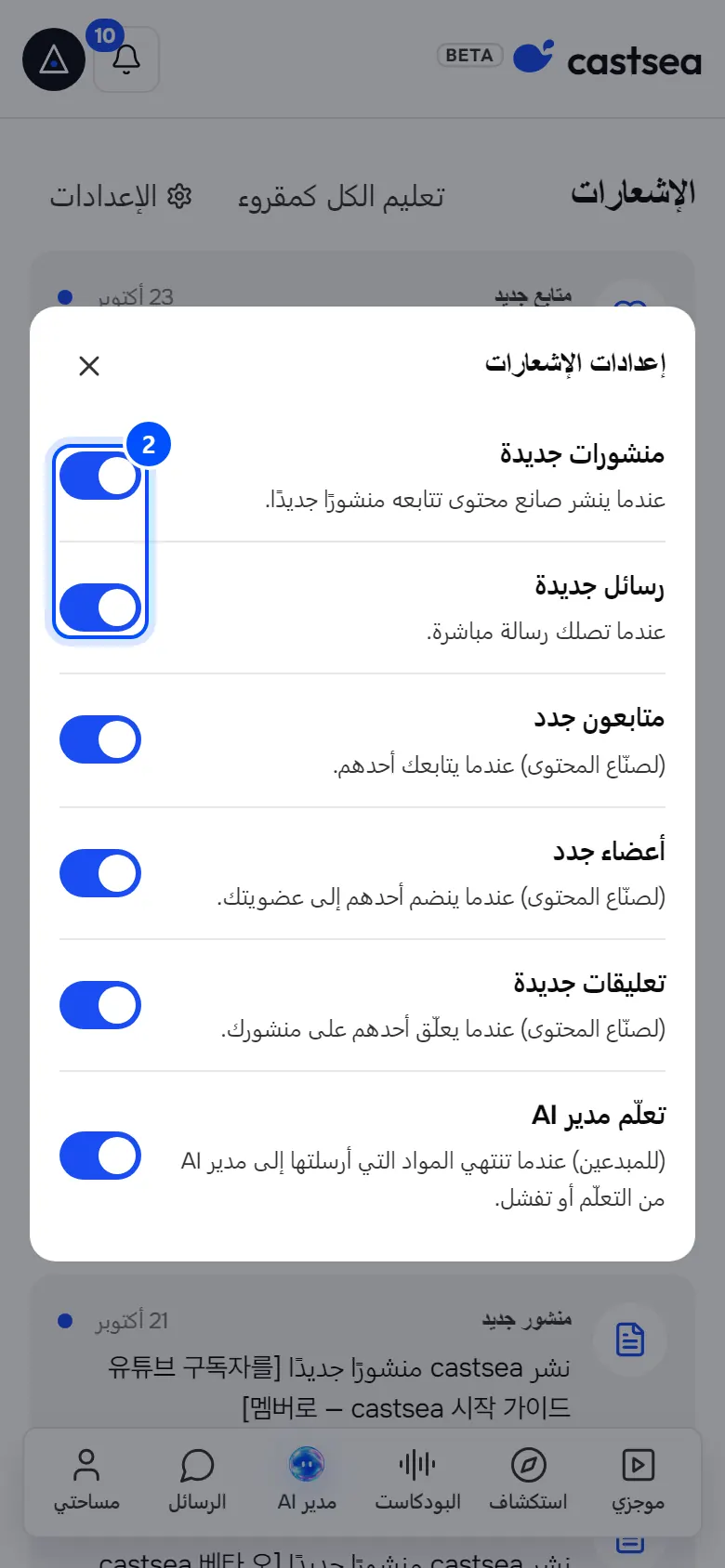
Tap Settings at the top right of the notifications page to turn new post and new message alerts on or off. Member-only new post alerts are under My > Settings > Notifications.
Transaction notices — deposit instructions, payment confirmation, membership expiring (3 days before) and expired, refund completed — are always sent in-app and by email.