Topics · Joining & payment
Follows & notifications
Messages
Ask the AI Manager
Joining & payment
Join a membership
Pick a plan on a creator's channel, pay, and member-only content opens up.
On this page
In this article
- From choosing a plan to paying
- Monthly plans vs. fixed-term passes
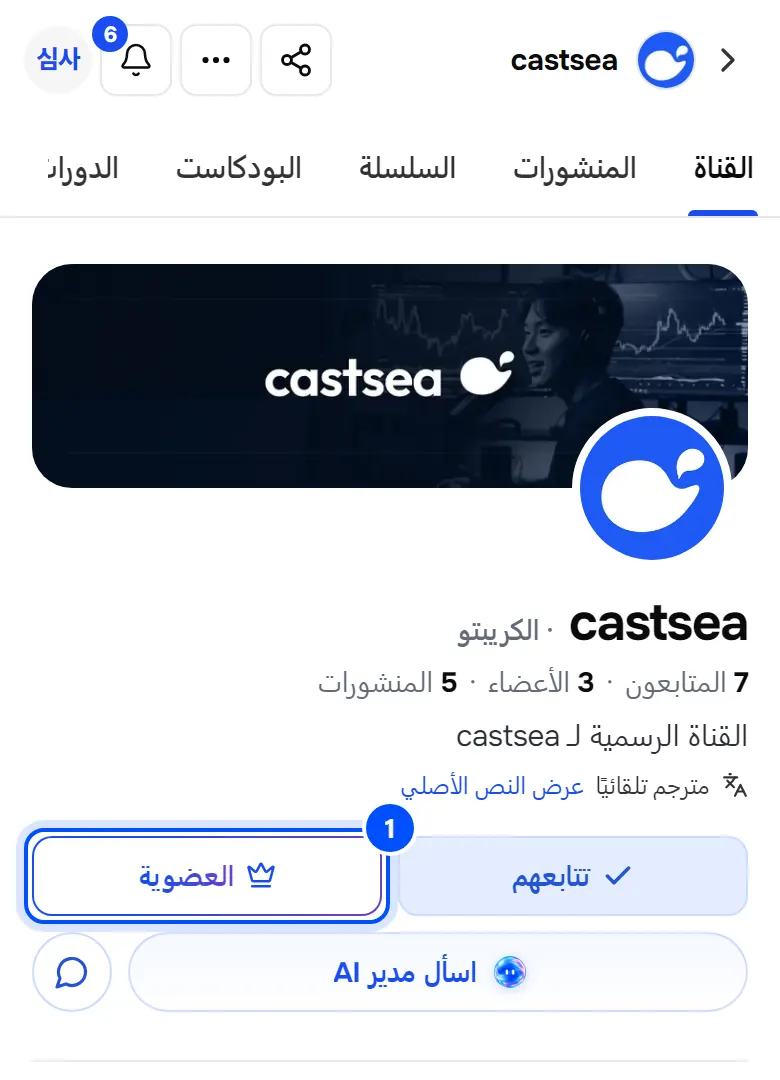
Tap Membership on the channel
Tap the crown “Membership” button under the channel profile, or Members in the channel menu, to open the plan page, which shows each plan's price, billing type and perks.
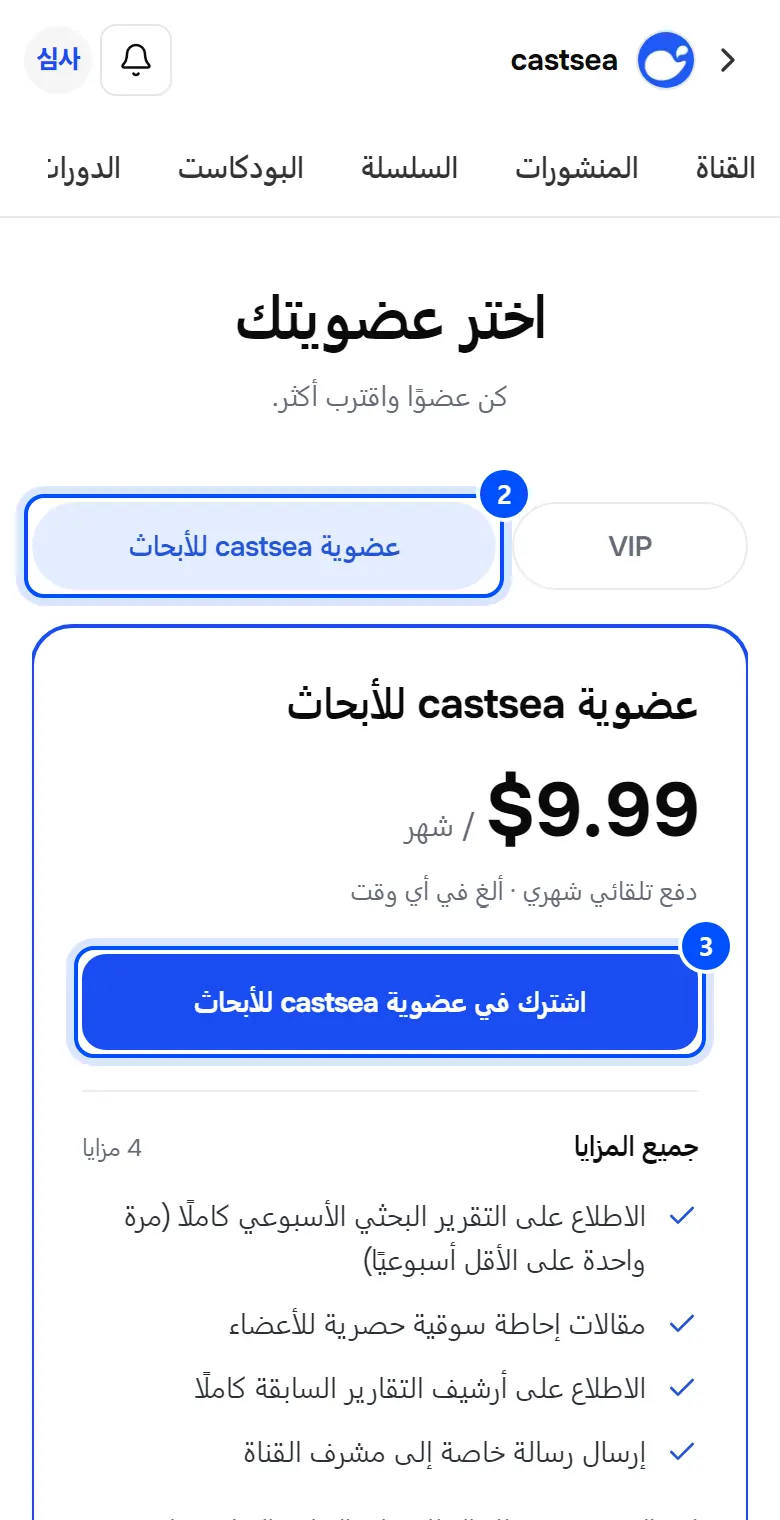
Choose a plan
The creator sets the billing type for each plan. Monthly plans bill one month at a time; passes are paid once for 1, 3, 6 or 12 months.
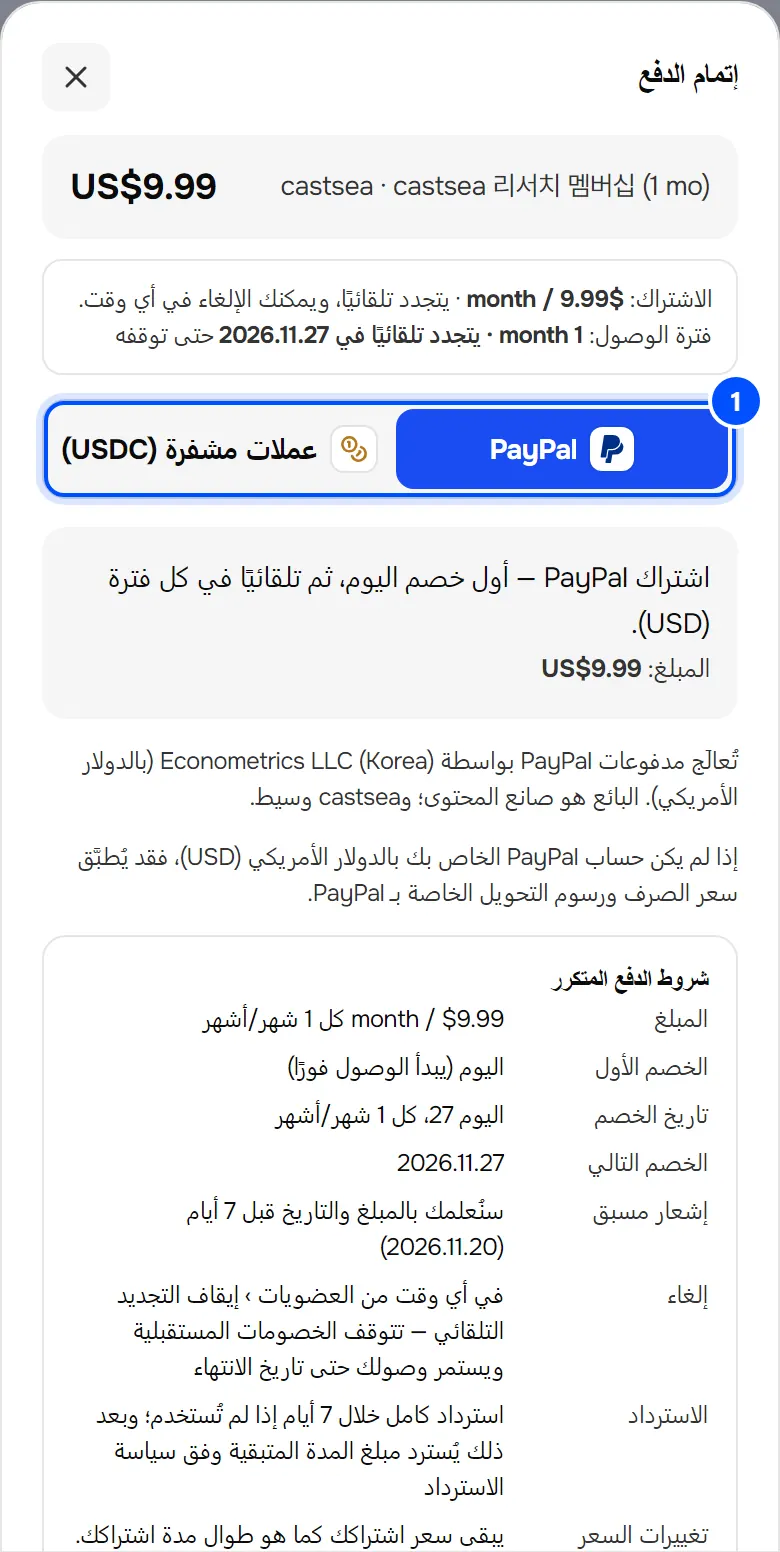
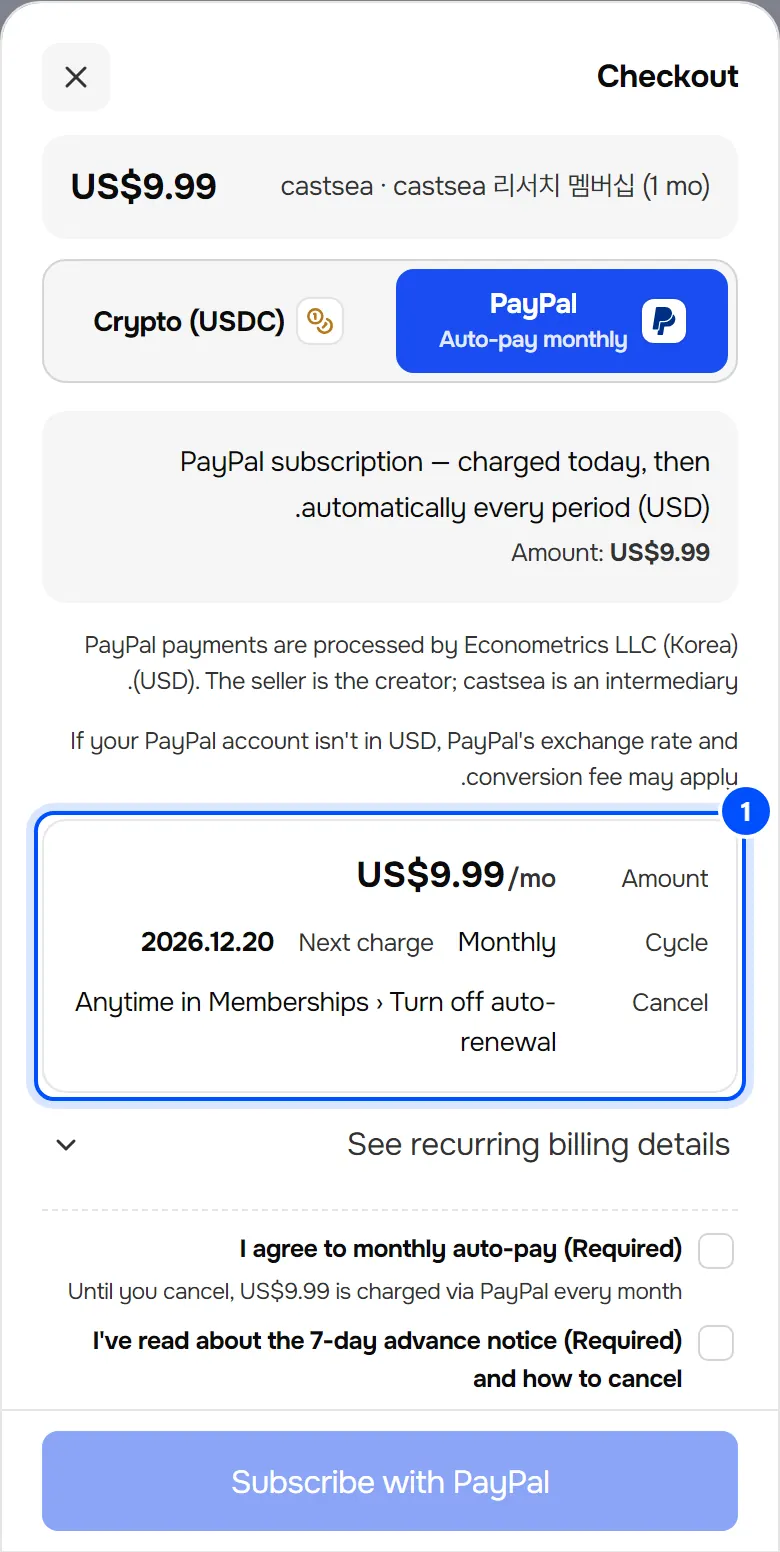
Subscription plans paid with PayPal renew every billing cycle (1 or 3 months, set by the plan) until you cancel, with a reminder 7 days before each charge. Crypto can't auto-charge, so it pays for one cycle at a time.
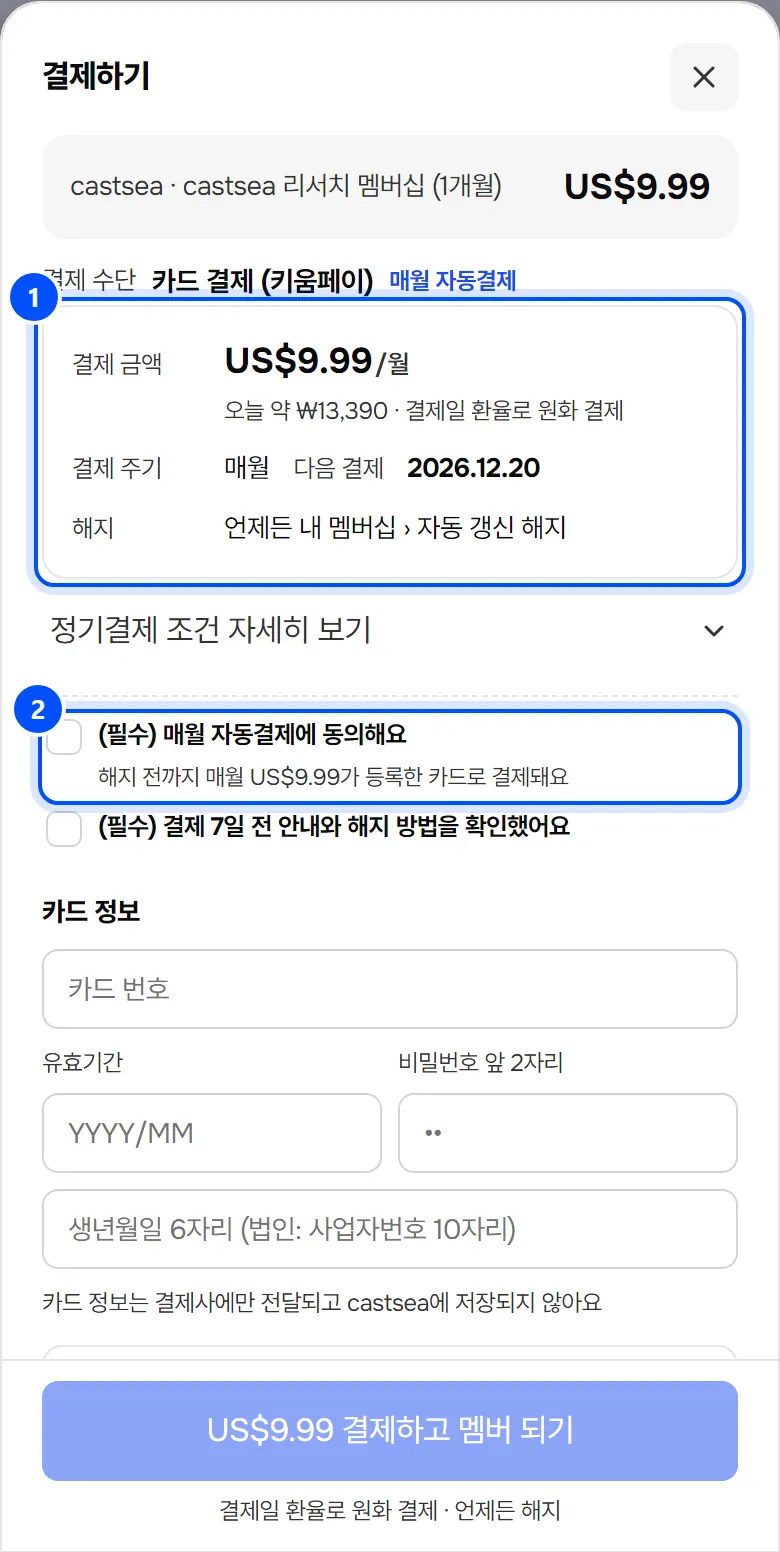
Subscription plans charge your card automatically every billing cycle (1 or 3 months, set by the plan) until you cancel, with a reminder 7 days before each charge. They can only be paid by card, since it renews automatically. To pay by bank transfer, choose one of the creator's pass plans.
Pay in the checkout window
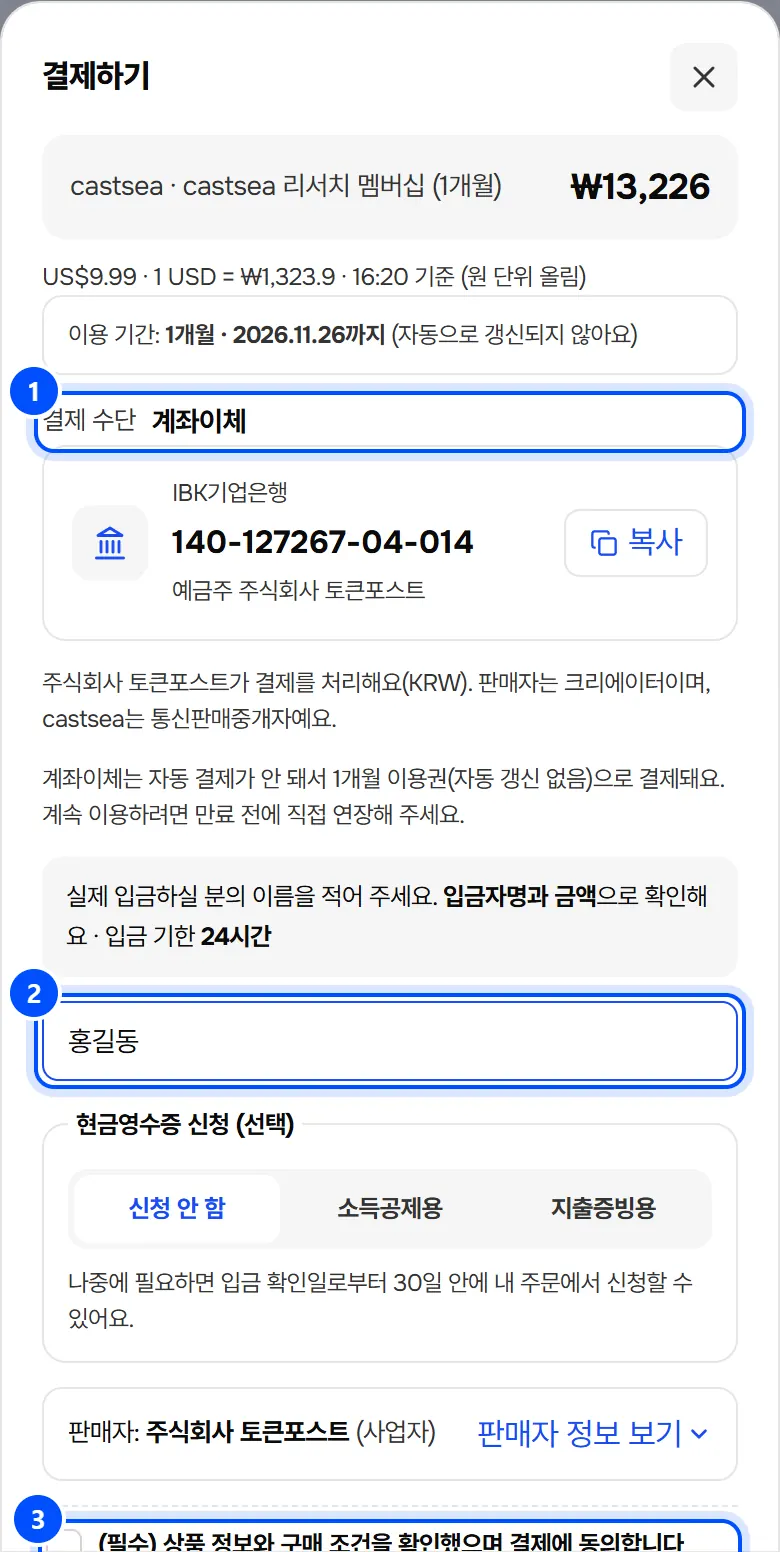
Tap the join button to open checkout. In Korea you pay by Korean bank transfer: tick the two required consents (purchase terms and sharing personal data with the seller), enter the depositor name and tap “Request bank transfer”.
Where card payment (Kiwoom Pay) is available, you can also pick the card tab. For subscription plans, checkout shows card only: tick the four required consents (automatic billing, the 7-day reminder and how to cancel, purchase terms, and sharing personal data with the seller), then enter your card details and pay.
Tap the join button to open checkout. Choose a payment method such as PayPal, tick the two required consents (purchase terms and sharing personal data with the seller), then tap “Pay with PayPal” and finish in the PayPal window.
Prices are set in US dollars. Bank transfer is paid in Korean won, converted at the current rate (updated hourly) and shown alongside.
Prices and charges are in US dollars (USD). If your PayPal account isn't in USD, PayPal's exchange rate and conversion fee may apply.
Check your membership
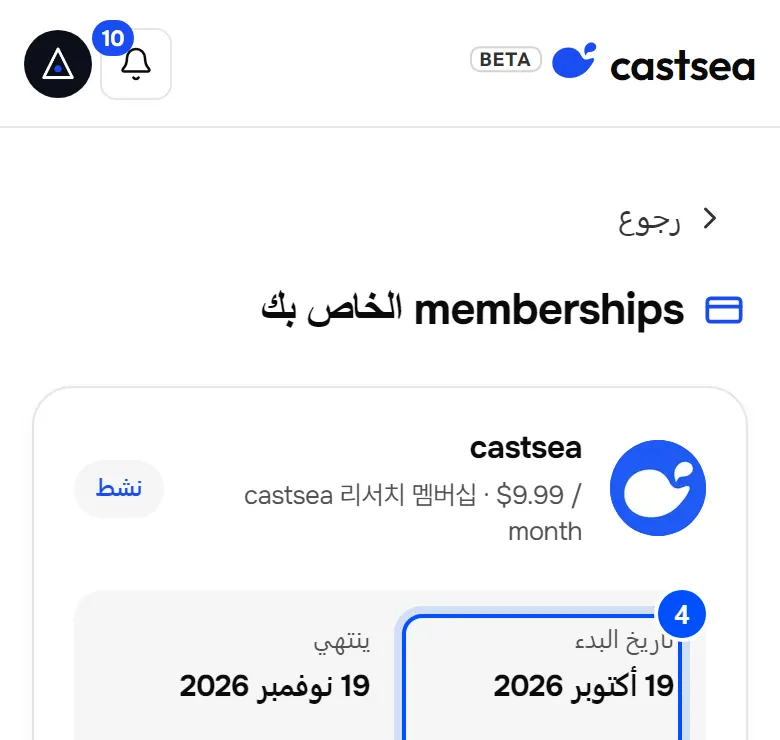
Once payment is confirmed, My > Memberships shows the start date, end date and days left, and member-only content opens right away.