Topics · Messages
Follows & notifications
Messages
Ask the AI Manager
Messages
Message a creator
Start a 1:1 chat with the channel's Message button (speech-bubble icon).
Start a chat
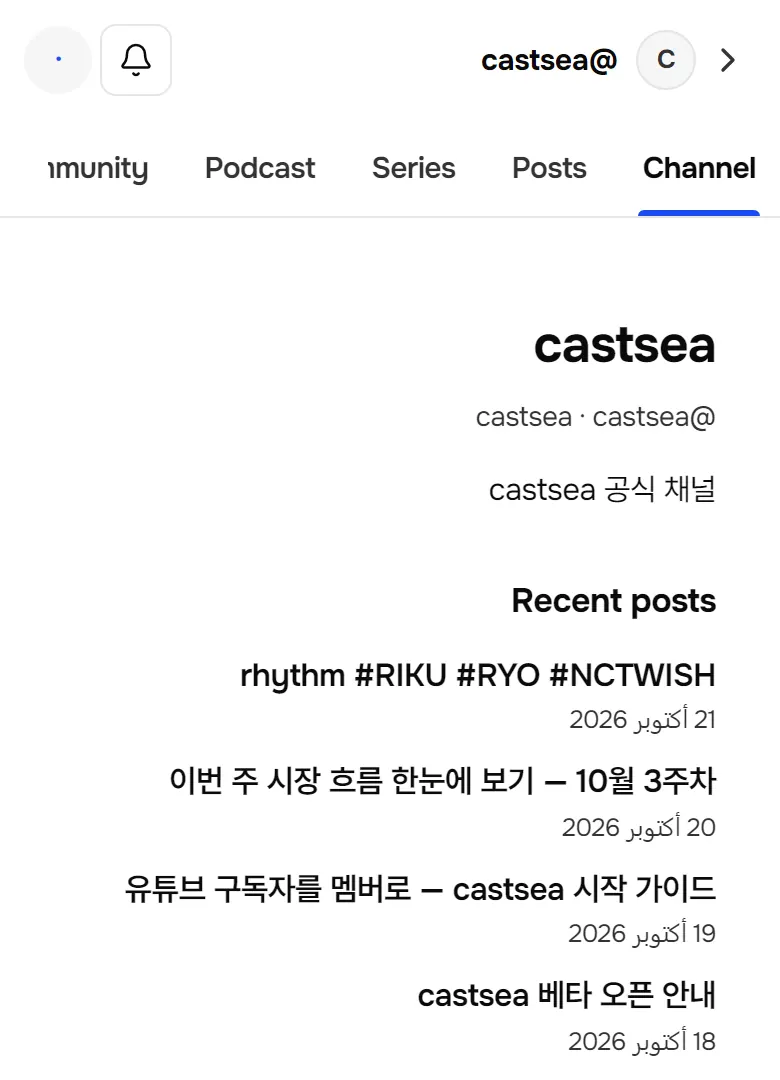
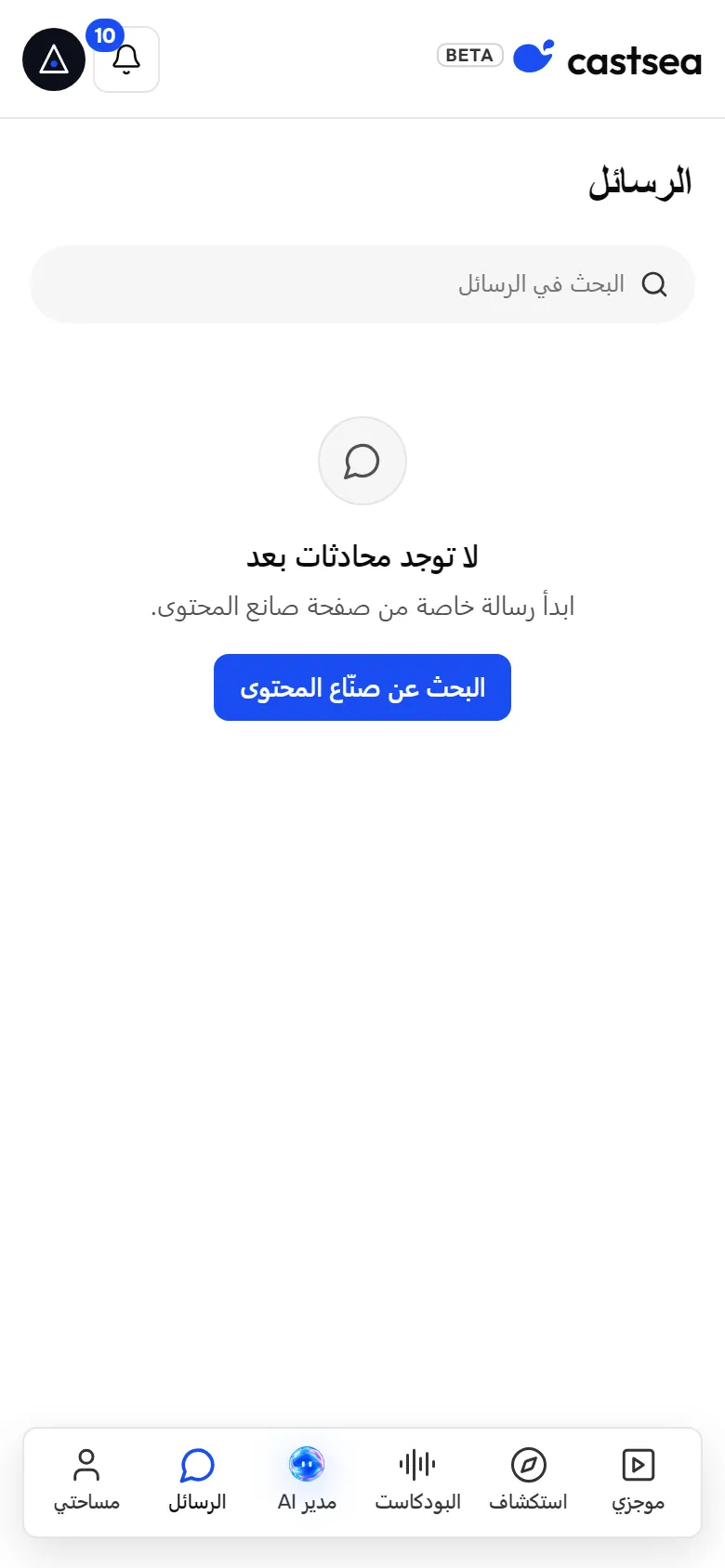
Log in and tap the speech-bubble icon (Message) in the row of buttons under the channel profile to open a chat. Conversations live in the Messages menu, and a “Member” tag shows if you're a member.
Manage chats
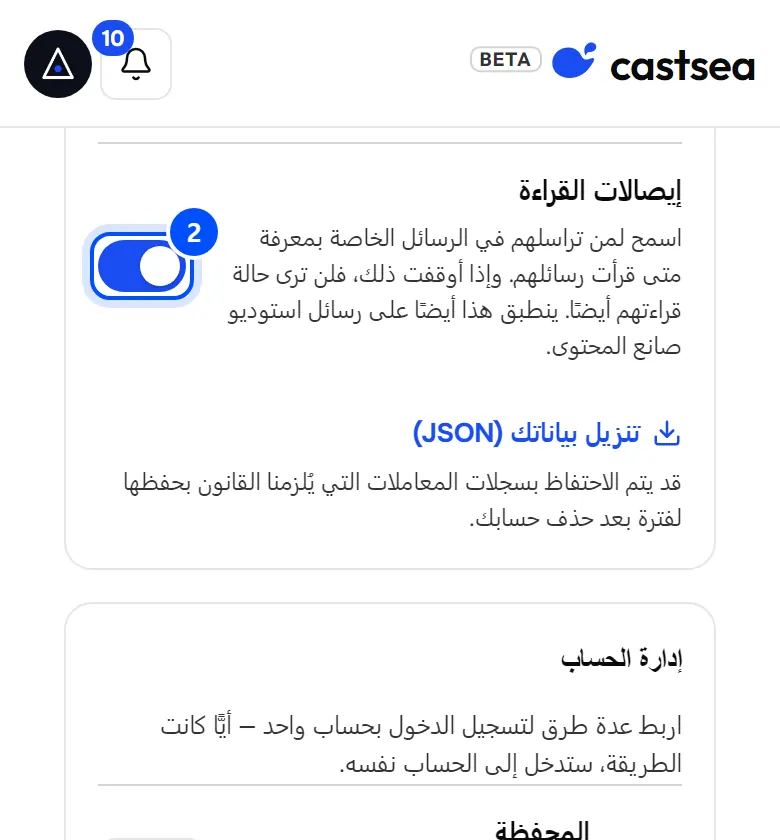
Use “Mute” in the chat's ··· menu to stop alerts. Turn read receipts on or off in My > Settings.
Note
You can't message a creator who has blocked you. For payment or refund questions, use the Help center's 1:1 inquiry.