Topics · Podcasts
Getting started
Courses
Membership plans
Token gating
Members & messages
AI Manager training
Insights
Creator plans
Podcasts
Publish a replay
Recordings never publish automatically — review first, then publish.
Review the recording
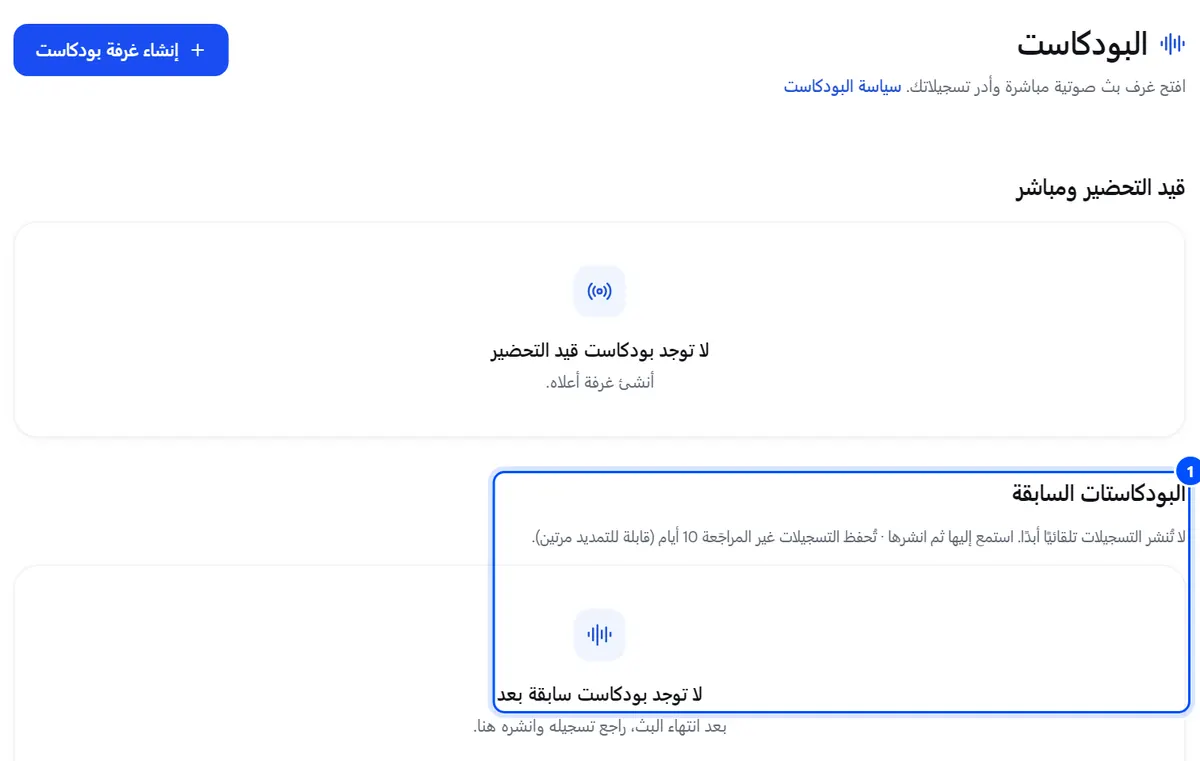
Under past podcasts in Studio > Podcasts, tap “Listen and review”. Then choose Publish, or “Save privately” to keep it to yourself.
Mind the retention period
Unreviewed recordings are kept for 10 days and can be extended by 10 days up to twice. Published or privately saved recordings are kept.
Note
Deleting a recording blocks the replay immediately, and the file is purged after 7 days.