Topics · Posting
Getting started
Courses
Membership plans
Token gating
Members & messages
AI Manager training
Insights
Creator plans
Posting
Member-only posts & partial locks
Make a whole post member-only, or lock it from a point in the text.
Whole post for members
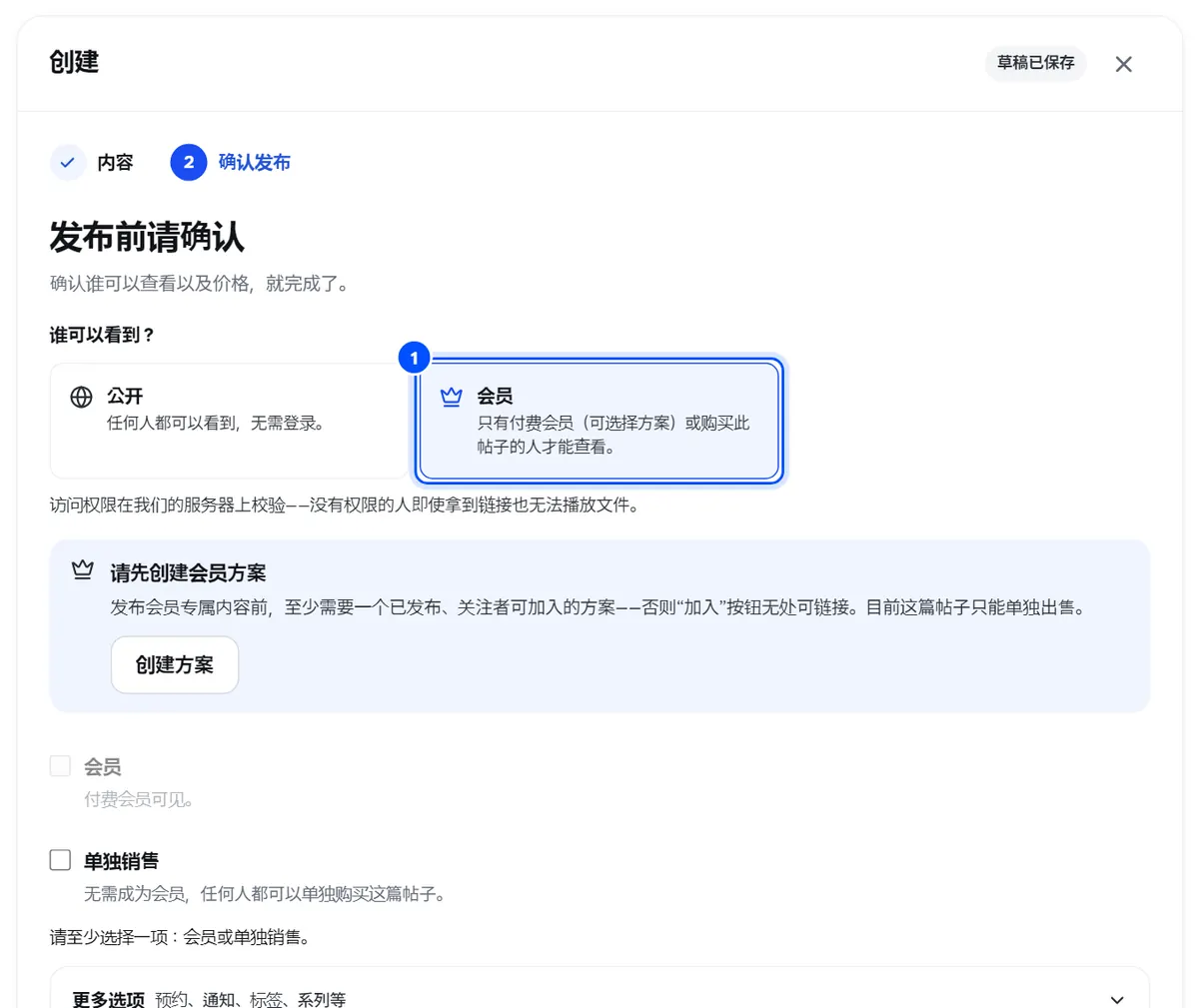
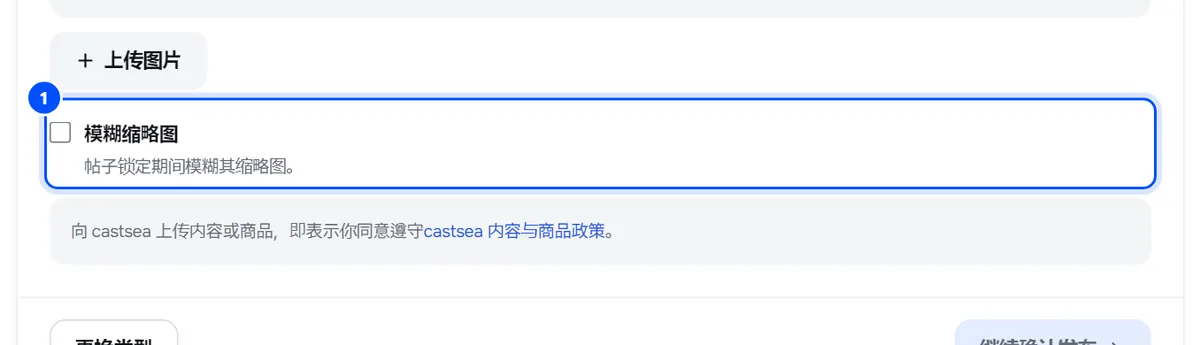
Set visibility to Membership so only members can see it — or pick specific plans. Non-members see a preview card. Turn on “Use blur” to blur the thumbnail while it's locked.
Lock part of the text
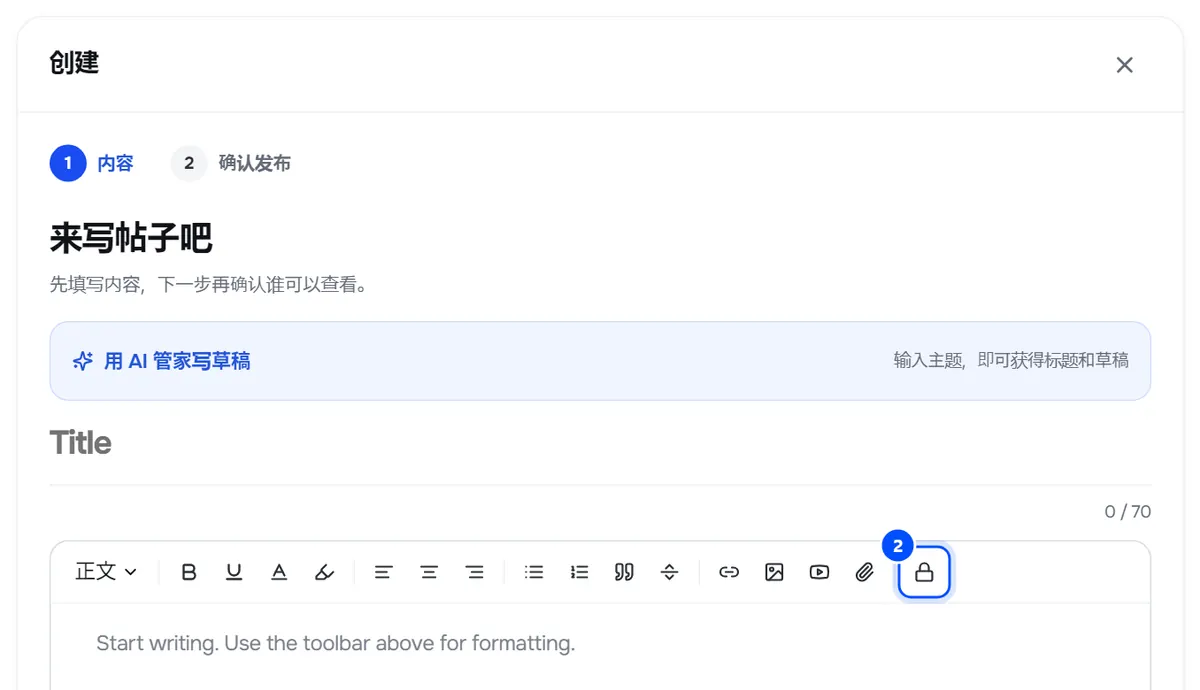
In a text post, insert “Partial lock (members only from here)”. Only what's below the line becomes member-only, so the top works as a teaser.
Note
Partial locks are only for text posts, not video or poll posts.
Early access for members
Turn on early access under “More” to show members first, then open it to everyone after 1, 3, 7, 14 or 30 days (or on a date you pick).