Topics · Membership plans
Getting started
Courses
Membership plans
Token gating
Members & messages
AI Manager training
Insights
Creator plans
Membership plans
Create a membership plan
Set a name, price, billing type and perks, publish, and start welcoming members.
On this page
In this article
- Create a plan that fits your content.
- Set the price, billing type and member perks.
- Know what to check before publishing.
Before you start
Make sure you have these first.
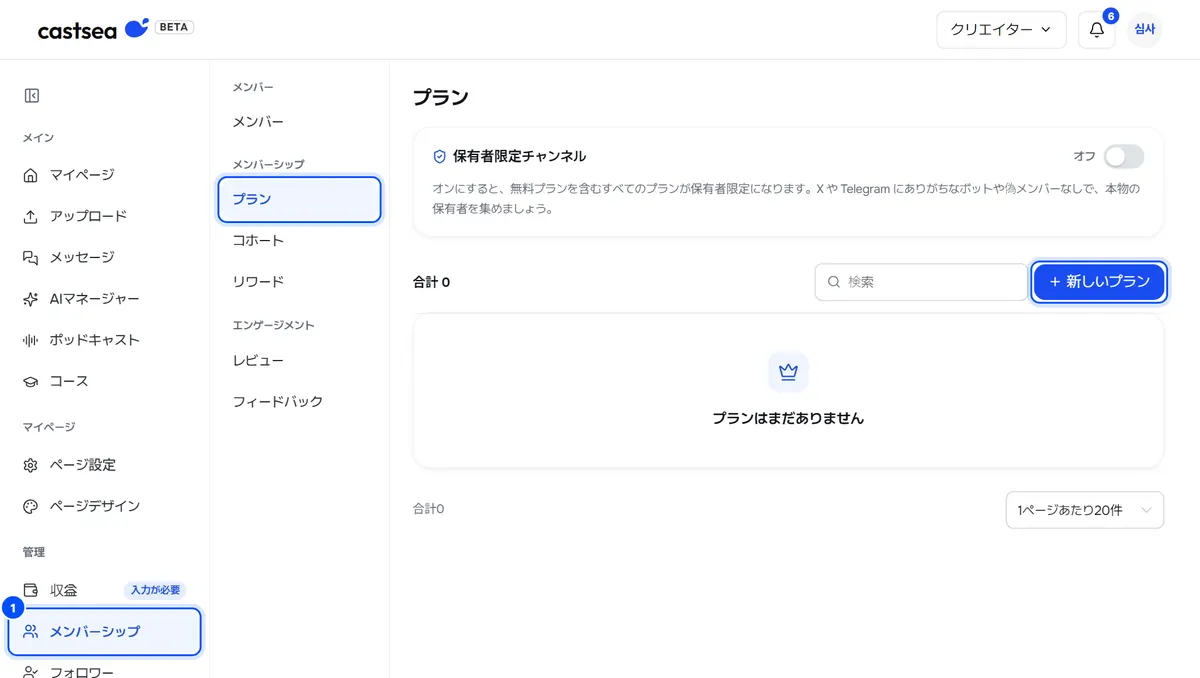
Open the plans menu
In Studio, go to Membership → Plans and tap “New plan”.
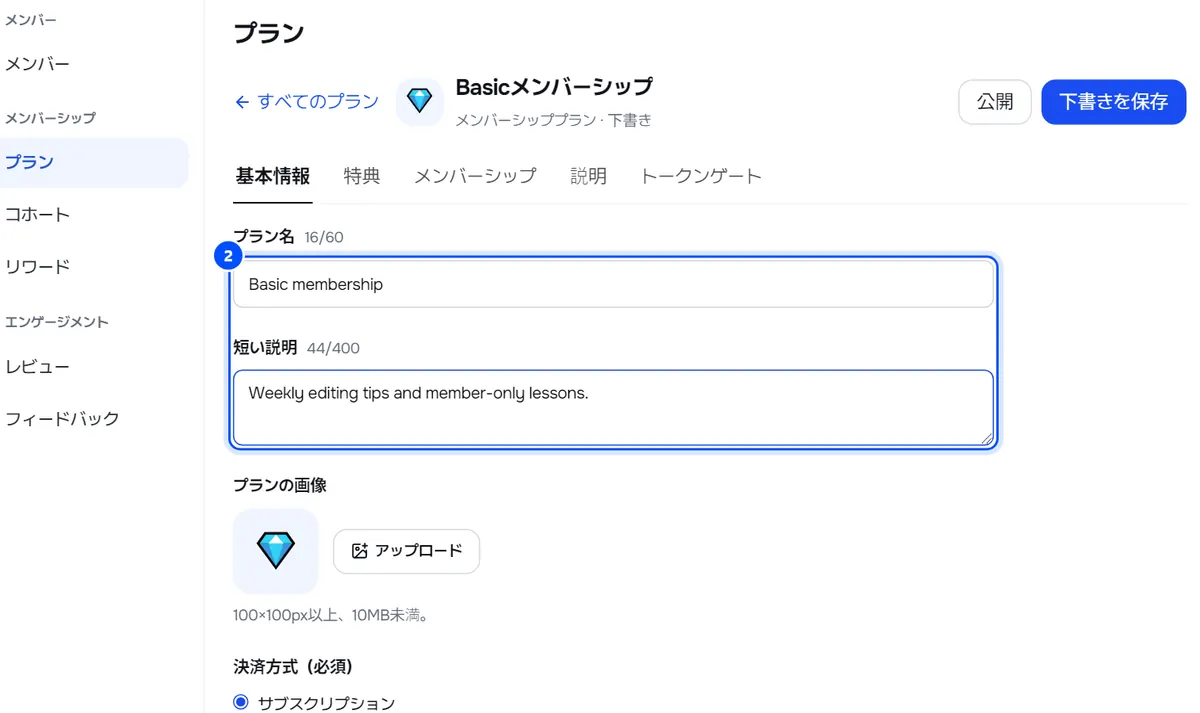
Name and describe the plan
On the Basics tab, add a plan name (60 characters), a one-line description and a cover image. A name that says what members get works best.
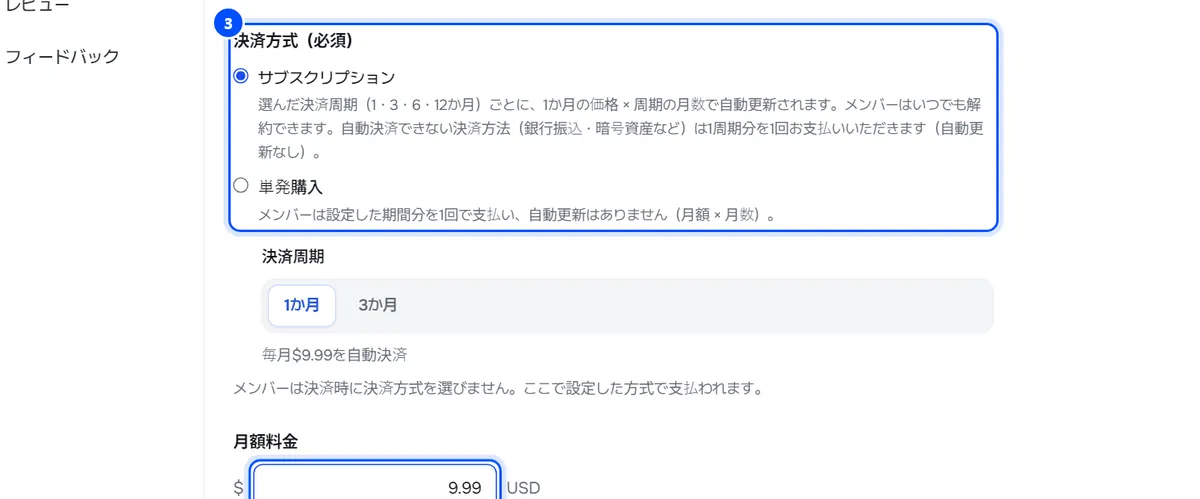
Set the price and billing type
Enter the monthly price in US dollars, from $5 to $5,000. Add a list price to show it as a discount.
- Recurring (default): billed one month at a time
- One-time: 1, 3, 6 or 12-month passes paid up front
The payment methods members see depend on where they are and on the plan's billing type: members in Korea pay by Korean bank transfer (in won), and members elsewhere pay with PayPal (USD).
Members outside Korea can also pay in crypto (USDC) — not available to residents of Korea.
Members in Korea can also pay by card (Kiwoom Pay) — up to 6 months for one-time passes, and billing cycles of up to 3 months for recurring plans.
Recurring plans auto-renew every billing cycle you pick for the plan (1 or 3 months; each charge = monthly price × cycle, no discount). Members in Korea can only pay by card, which renews automatically; members elsewhere auto-renew when they pay with PayPal. To also accept members who pay by bank transfer, create a one-time (pass) plan as well. Once a plan has members, its billing type and cycle can't be changed.
Describe member perks
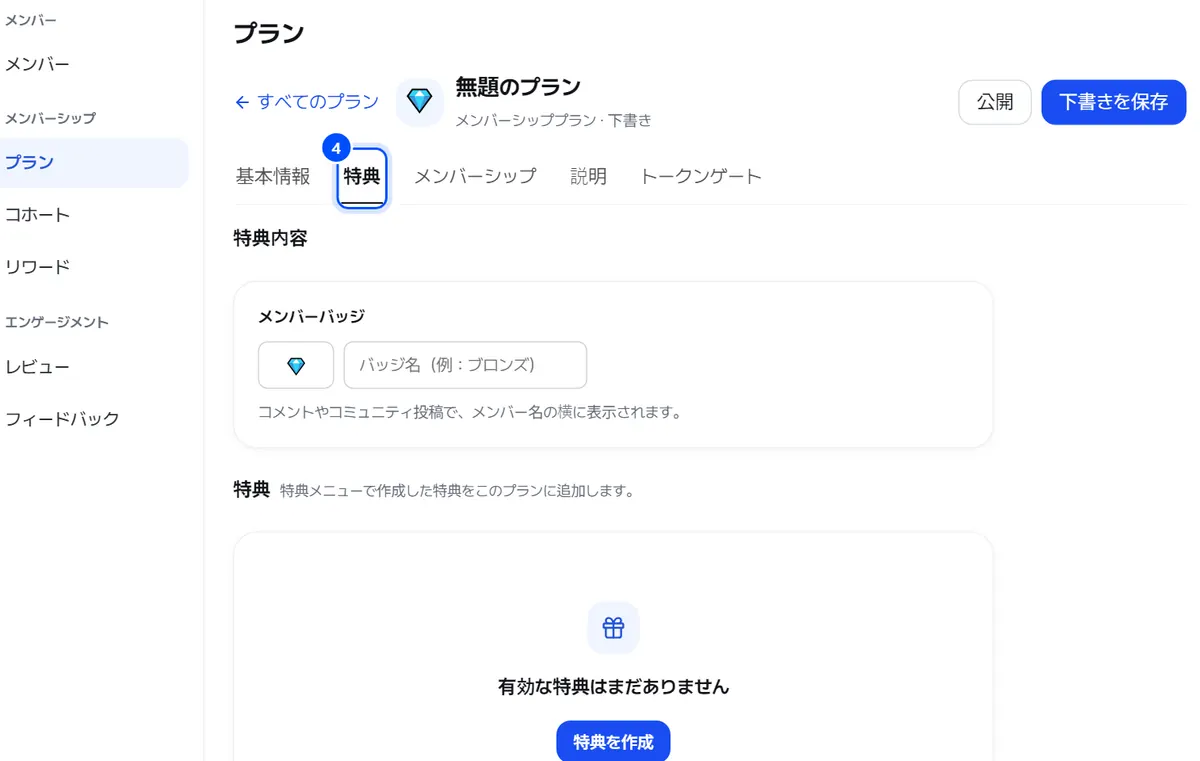
On the Rewards tab, add a member badge (emoji + name) and perks (digital content, online or offline meetups, shipped items and more). The detailed intro can be up to 5,000 characters.
If you change the price, existing members keep the price they joined at. A price cut applies from their next payment.
Review and publish
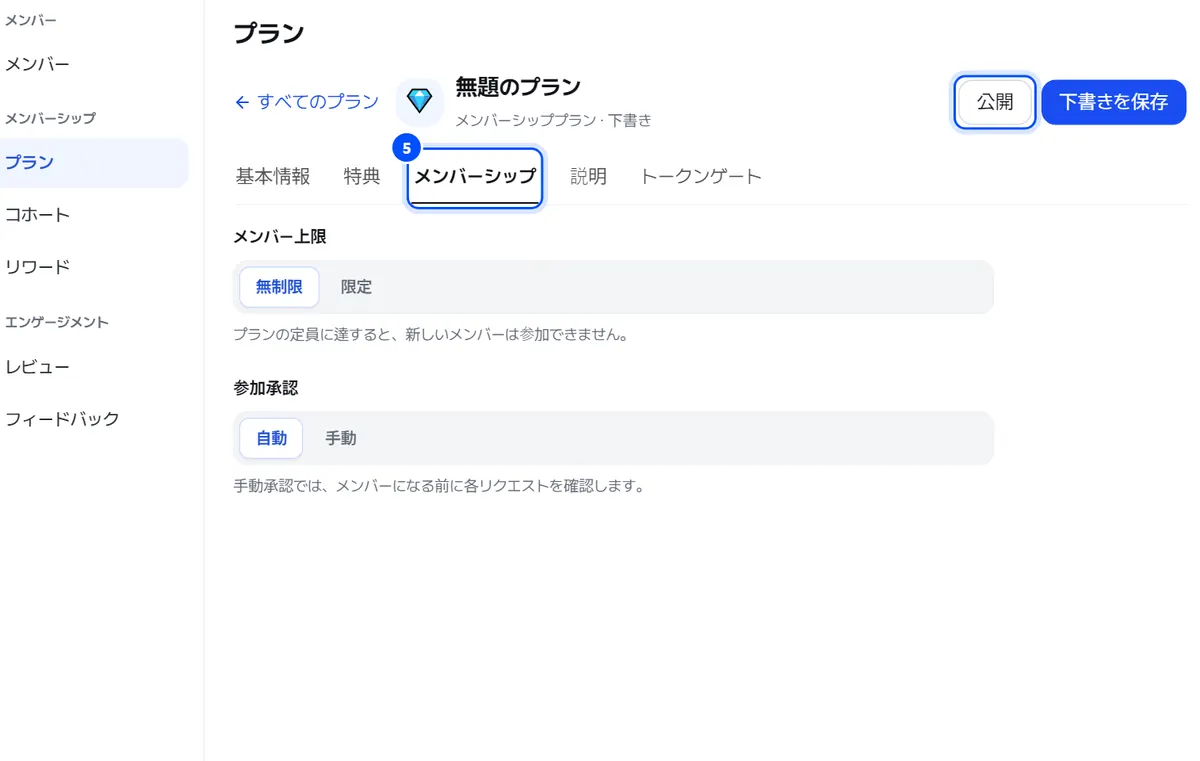
Check the member limit, approval mode (automatic or manual) and visibility (public, unlisted, private), then tap Publish. Your first paid plan asks you to accept the latest Creator Terms.
A 30% platform fee (VAT excluded) applies to sales, and the rest is paid out to you.
Plans with members can't be deleted. To stop selling one, set it to private.