Topics · Payouts & tax
Getting started
Courses
Membership plans
Token gating
Members & messages
AI Manager training
Insights
Creator plans
Payouts & tax
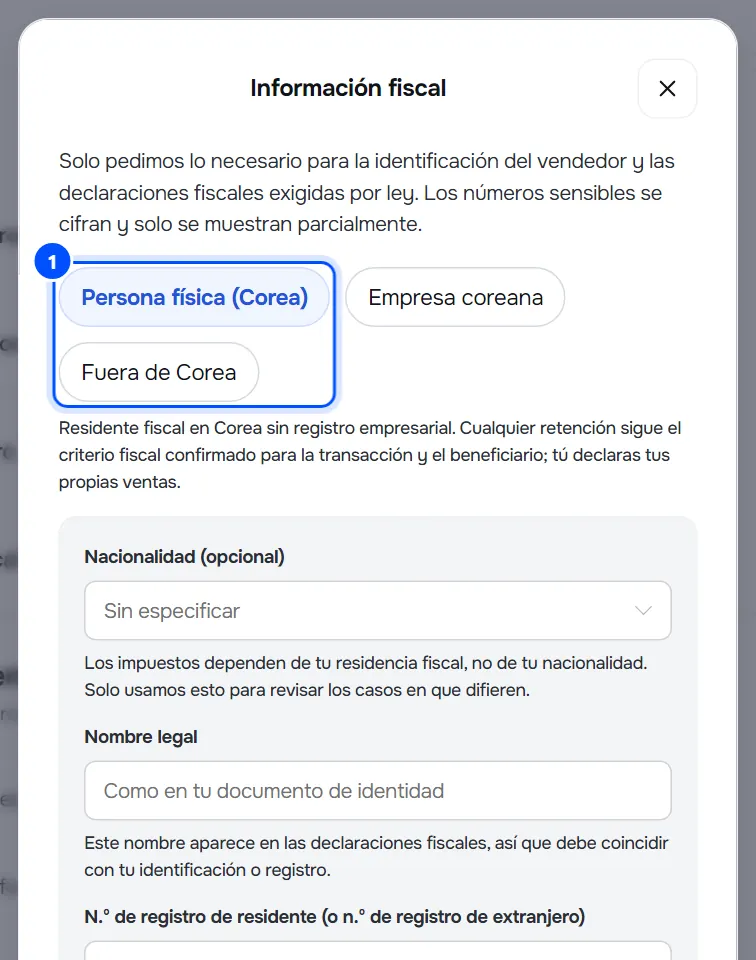
Enter tax information
You need to enter your taxpayer type to receive payouts.
Taxpayer type
Under “Tax information” in Earnings & payouts, choose: Korean individual (no business), sole proprietor (taxable), sole proprietor (tax-exempt), corporation, or overseas individual/company.
castsea is an intermediary that passes on your sales, so it doesn't withhold tax. You report your sales income yourself. Payouts start once your payout (taxpayer) info is registered.
Reporting & receipts
Report your sales based on the sales amount, not the payout. castsea issues evidence for the platform fee (a tax invoice for businesses).