Topics · Posting
Getting started
Courses
Membership plans
Token gating
Members & messages
AI Manager training
Insights
Creator plans
Posting
Scheduling & post options
Publish at a set time and choose notifications, tags, series and pinning.
When to publish
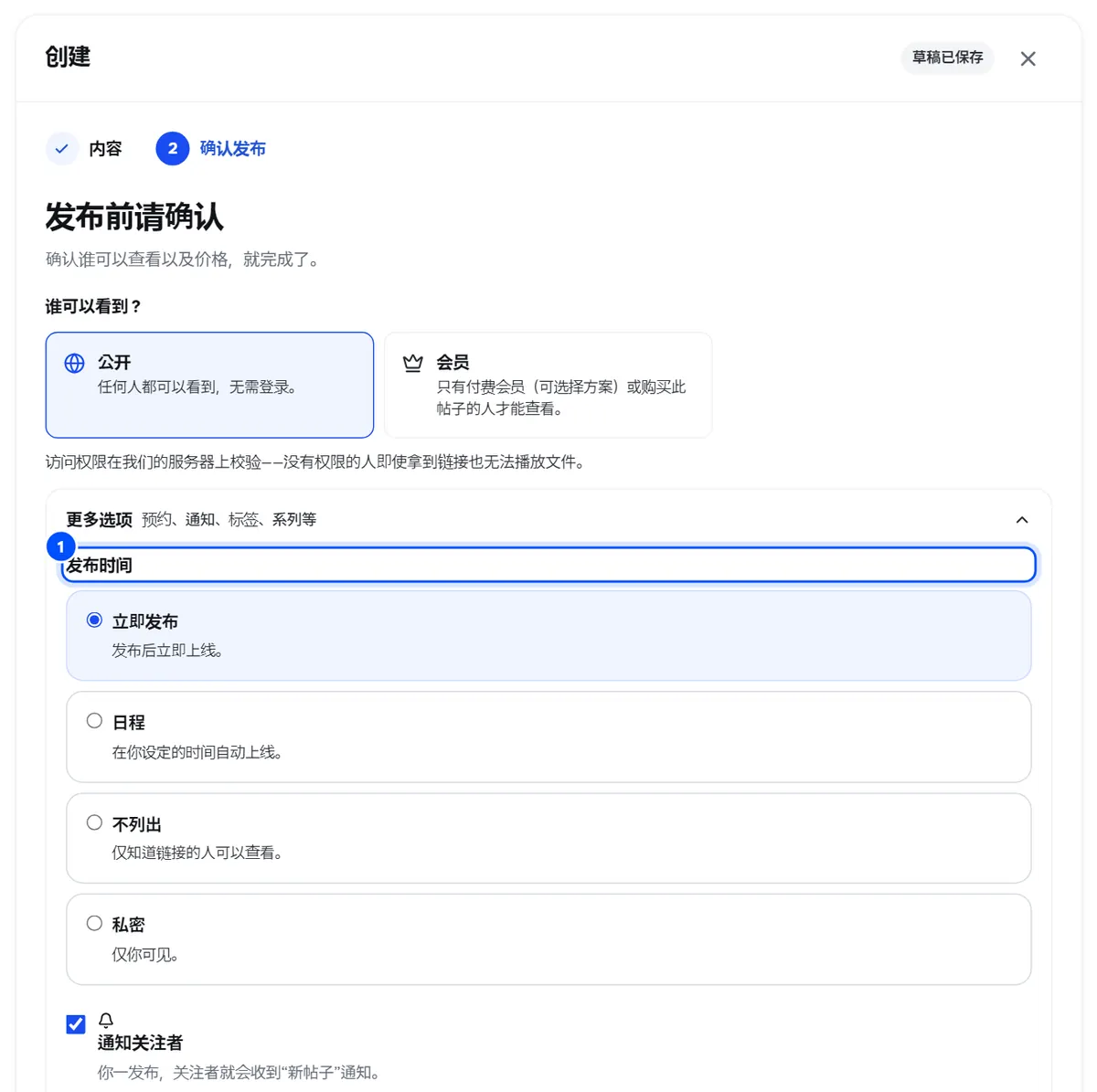
Under “More”, choose Publish now, Schedule, Unlisted (link only) or Private. Schedules must be in the future, and scheduled posts don't send follower notifications.
Other options
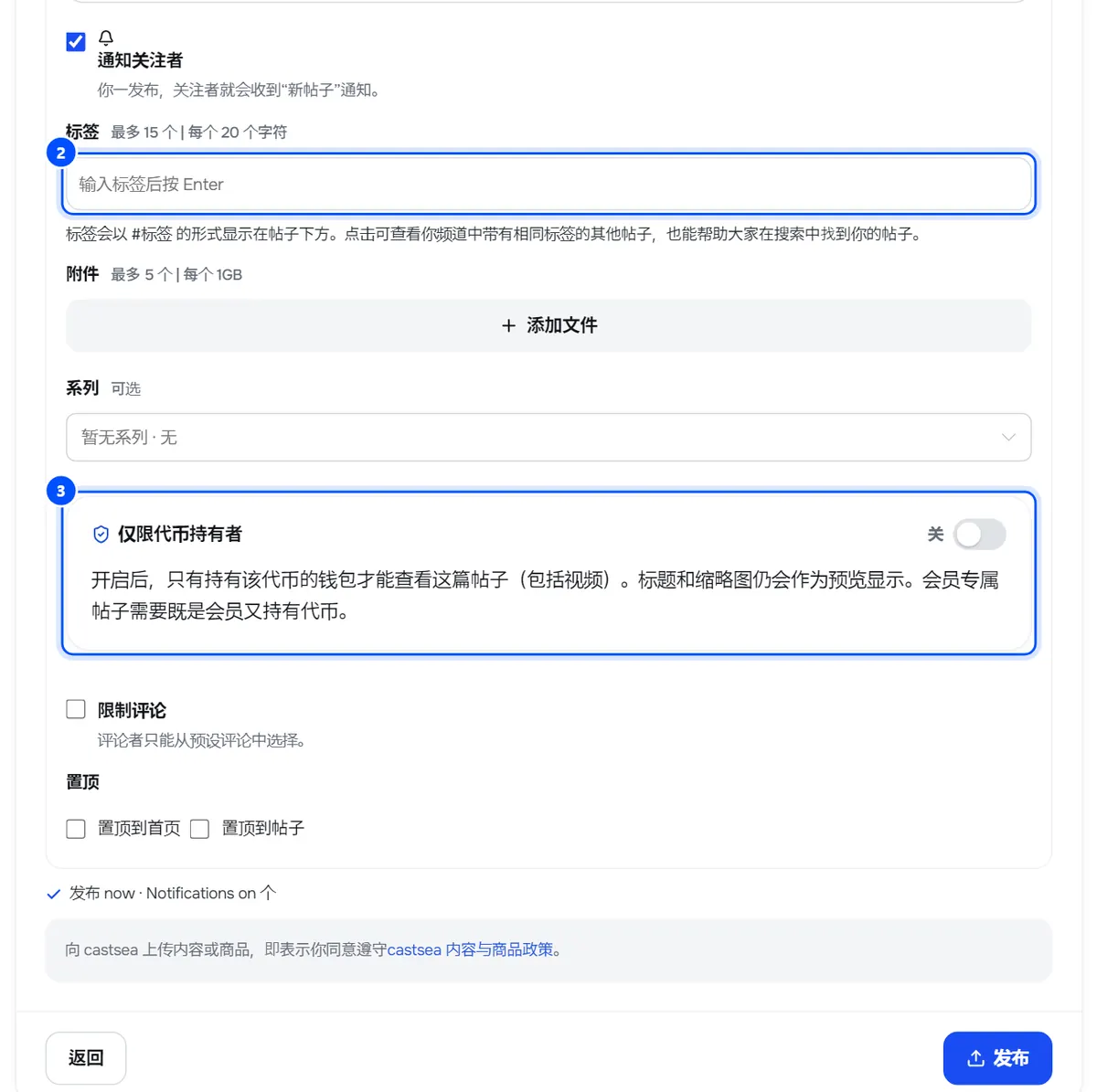
- Notify followers
- Up to 15 tags (20 characters each)
- Up to 5 attachments (1GB each)
- Add to a series or create one
- Comment limits (preset replies only) and pinning
Tip
To end a post's visibility later, set “End visibility” in Studio > Content; it turns private automatically at that time.