Topics · Getting started
Getting started
Courses
Membership plans
Token gating
Members & messages
AI Manager training
Insights
Creator plans
Getting started
Become a creator
How to build your channel, then verify and accept the terms to go public.
On this page
In this article
- The steps to build your channel
- When you verify and accept the terms
Before you start
Make sure you have these first.
Paste a link
Tap “Build my channel” on the home page or in the Creator center and paste your YouTube, Telegram or blog address. You can add several, or just pick a topic if you don't have one yet. You can try this before signing in.
Pick the channel your AI Manager sets up
Your AI Manager reads your posts and videos and shows a few channel layouts with a name, intro and series. Pick one and choose a tone. You also choose here whether new posts from your linked accounts should show up on castsea automatically.
Build it — only you see it at first
Tap “Build my channel” and sign in, and a channel only you can see is created. Imported posts are sorted into series, and memberships are only suggested — they open once you set prices.
If you agree to AI Manager learning, it learns every imported post for free. Consent is optional.
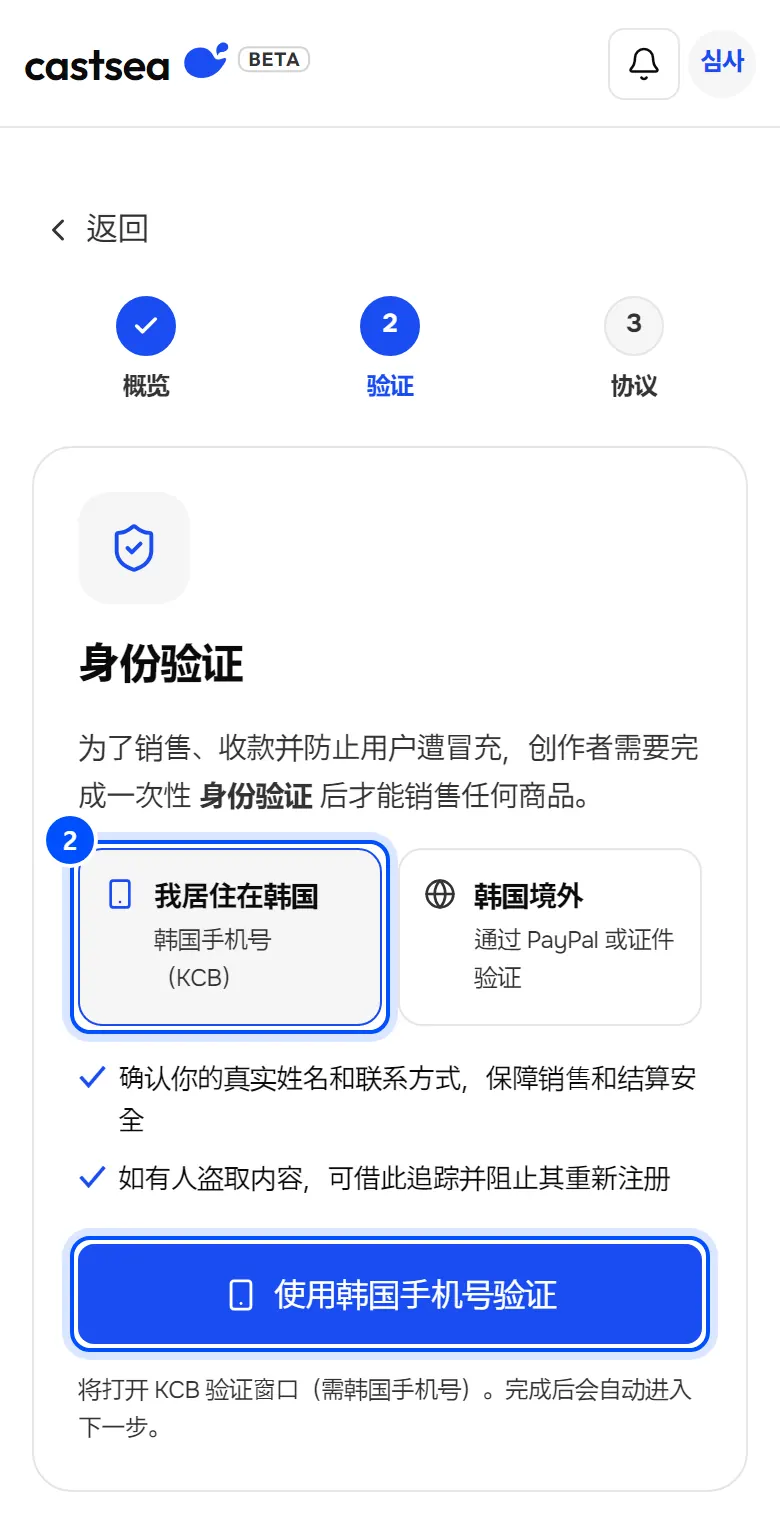
Go public — verify then
After you look around and edit, you verify your identity and accept the creator terms once — when you make your channel public or start selling memberships. You must be 19 or older, and each person can verify one account.