Topics · Token gating
Getting started
Courses
Membership plans
Token gating
Members & messages
AI Manager training
Insights
Creator plans
Token gating
Set up a token gate
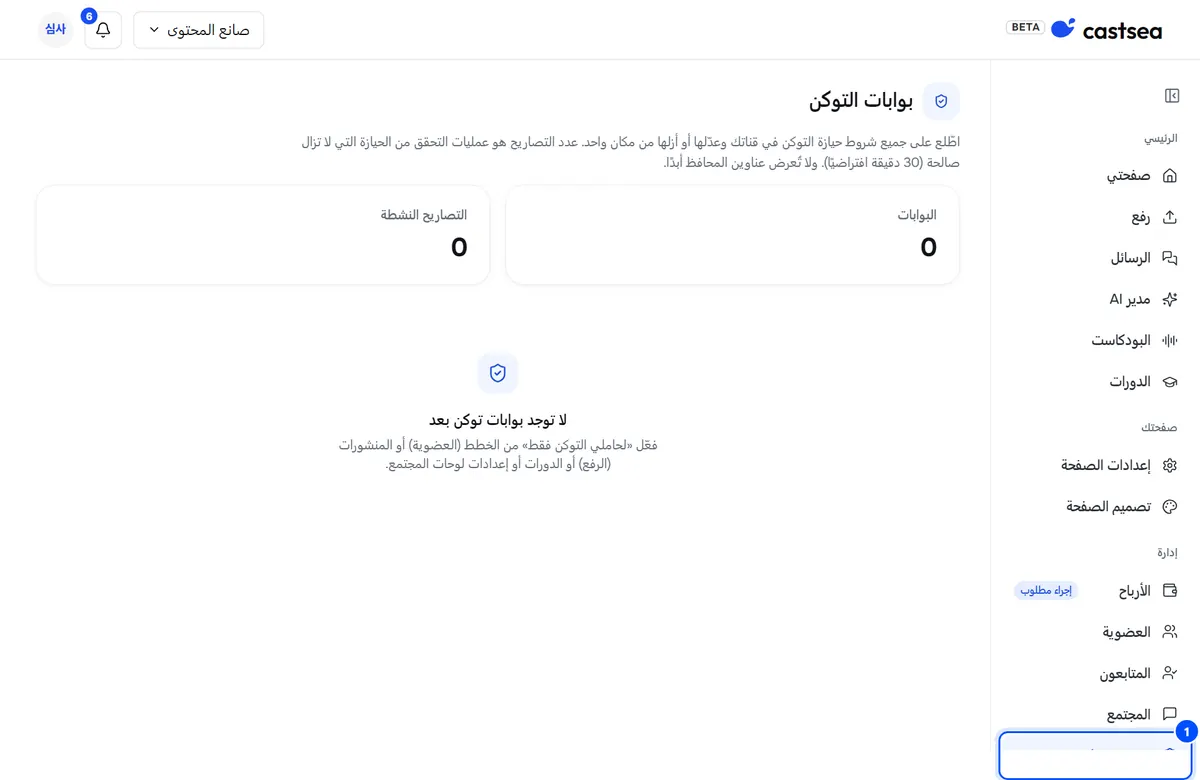
Let only holders of a token or NFT into plans, your channel, posts, courses or boards.
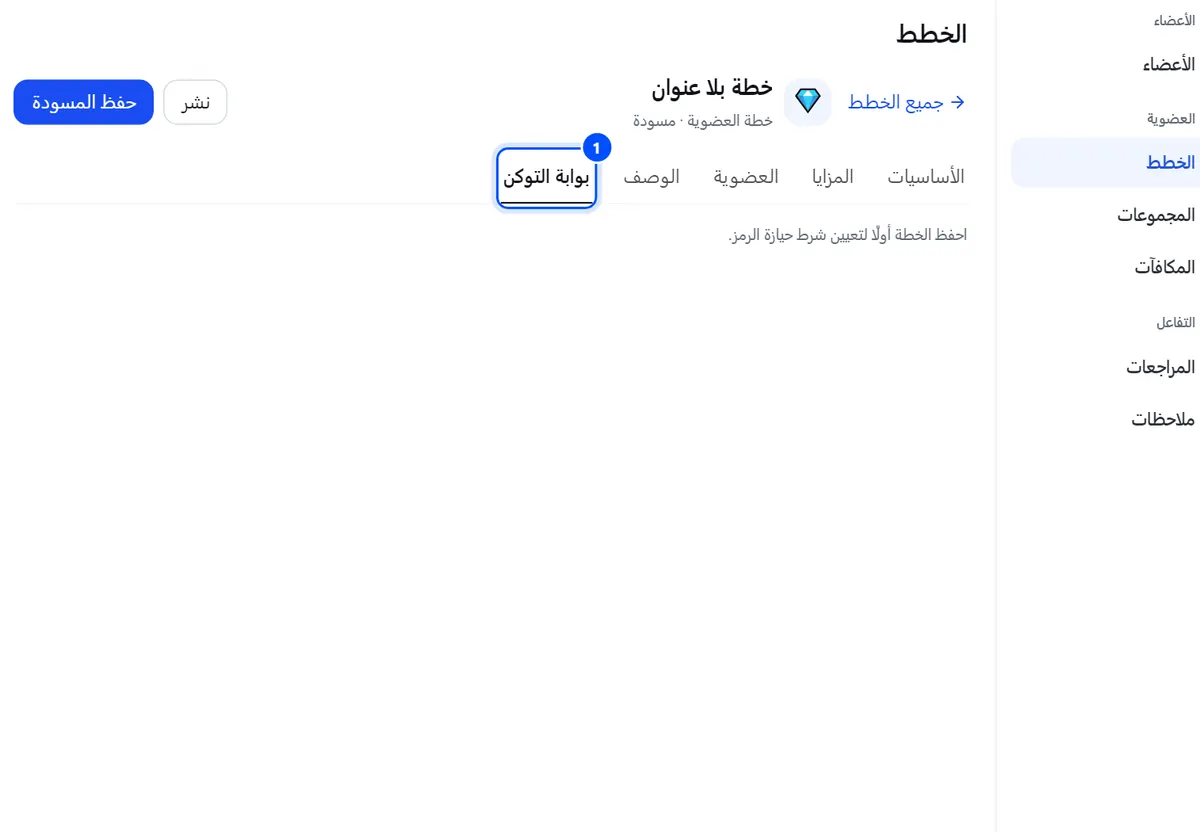
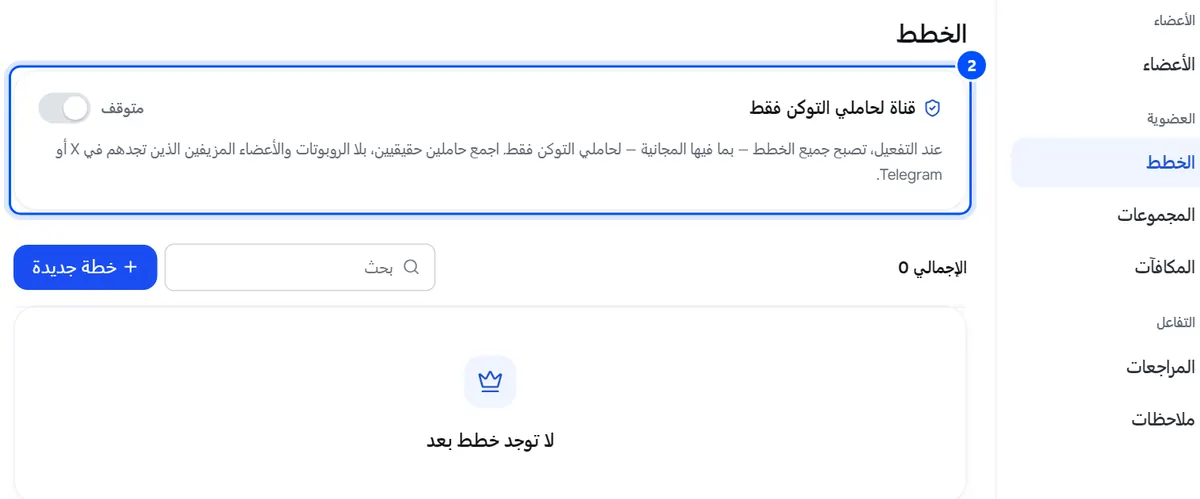
Where it applies
- Per plan: the “Holders only” tab in plan editing
- Whole channel: “Holders only for the whole channel” on the plans page (all plans)
- Posts and videos: “Token holders only” under More in the editor
- Courses and community boards
Set the condition
Pick the chain (Ethereum, Base, BNB Chain, Arbitrum, Polygon or Solana — whichever are connected), token type (ERC-20, NFT, SPL…), token address and minimum balance, then tap “Save condition”. You can also hide the title and thumbnail or add a message.
How it's checked
Members connect a wallet and sign to prove it's theirs — pasting an address won't pass, and no assets move. Plans re-check holdings at every join, payment and renewal, and balances are never stored.
Tip
Gates stack with membership: a member-only, token-gated post needs both.